If you run scheduling for a US police department or sheriff's office, the problem never pauses: 24/7 coverage under minimum staffing, overtime rules, court dates, and leave requests, usually in a spreadsheet never built for it.
This guide compares core duty-roster scheduling only. Seven current systems made the list, alphabetically:
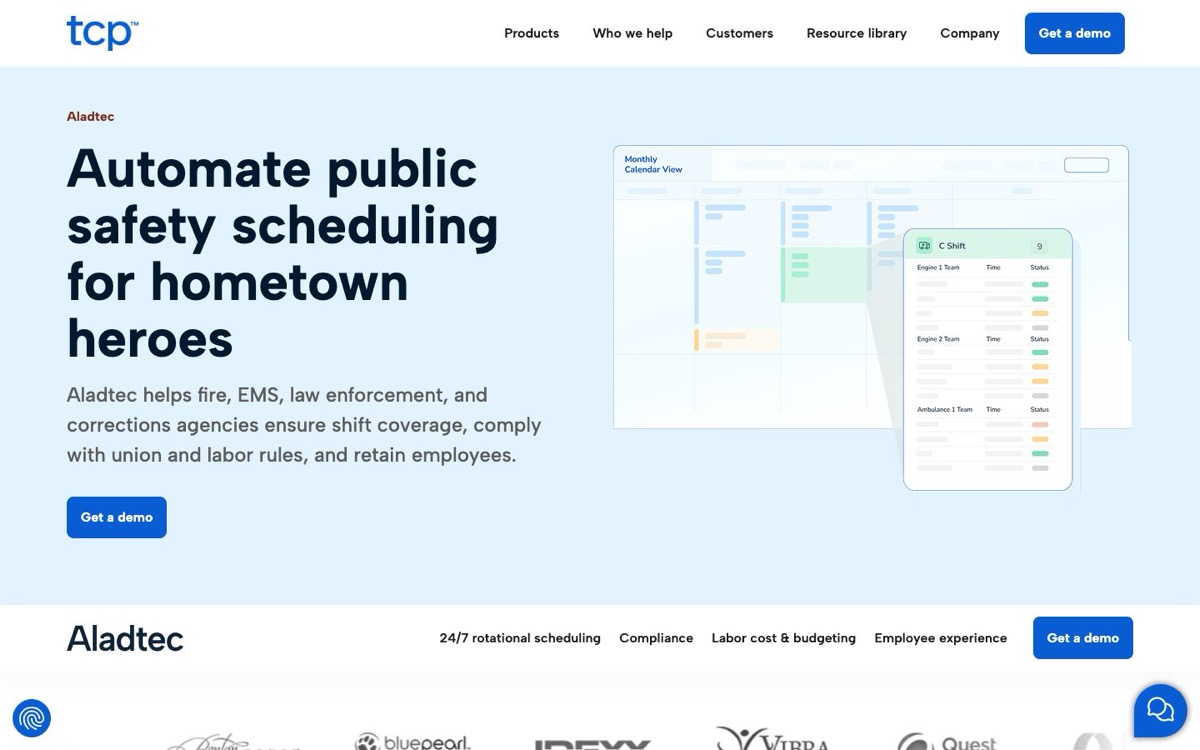
Aladtec by TCP Software: configurable 24/7 scheduling, structured shift bidding
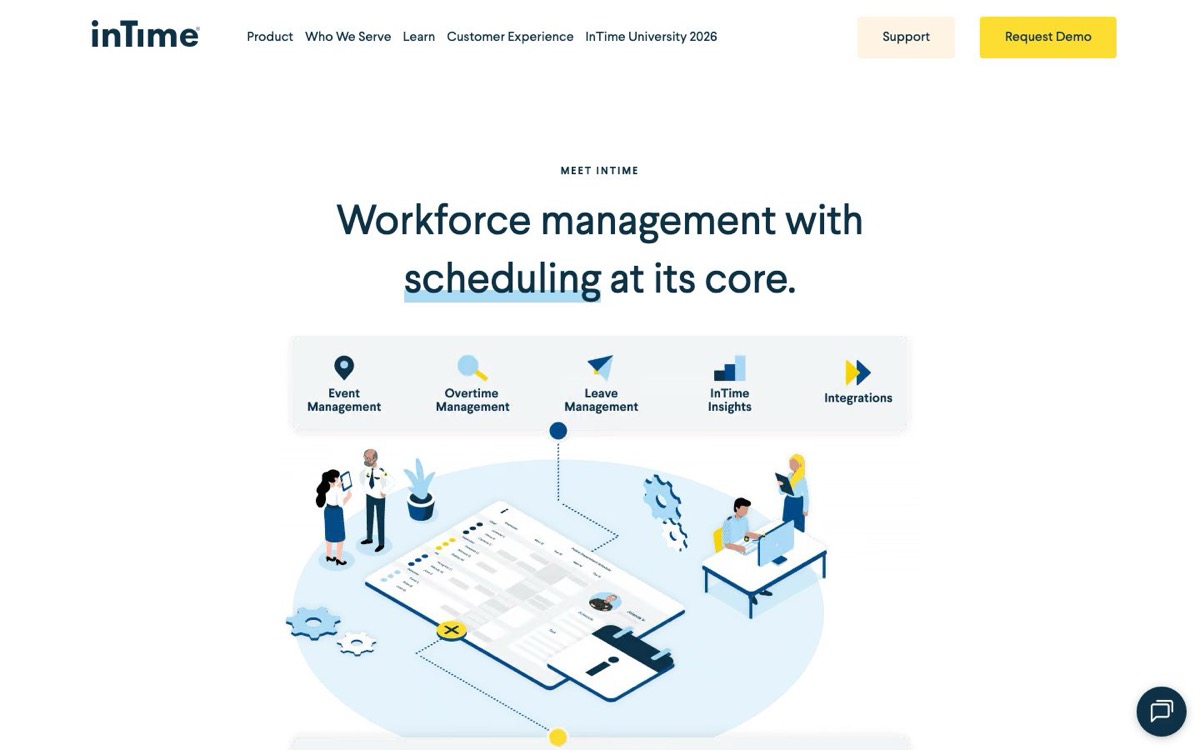
InTime: court and subpoena workflows, broader workforce suite
Jivasoft On Duty: on-duty and off-duty workflows, cloud or self-hosted
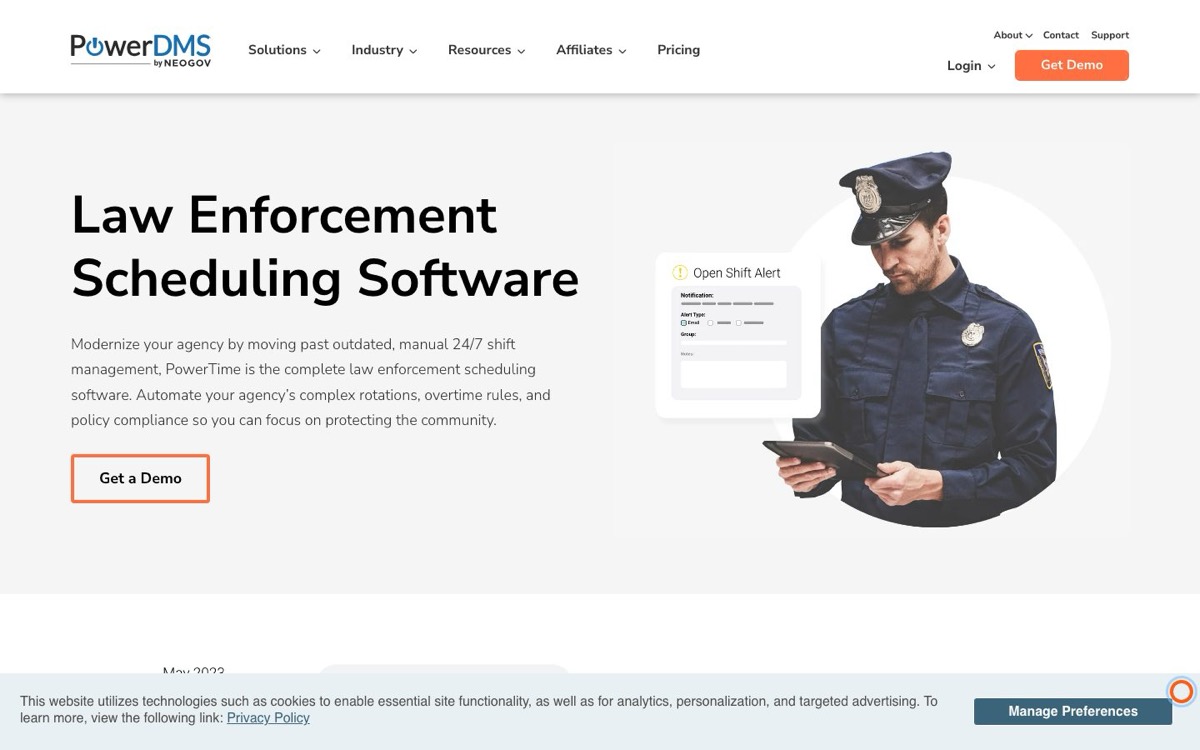
PowerTime by PowerDMS: CBA and FLSA-oriented configuration in the PowerDMS/NEOGOV environment
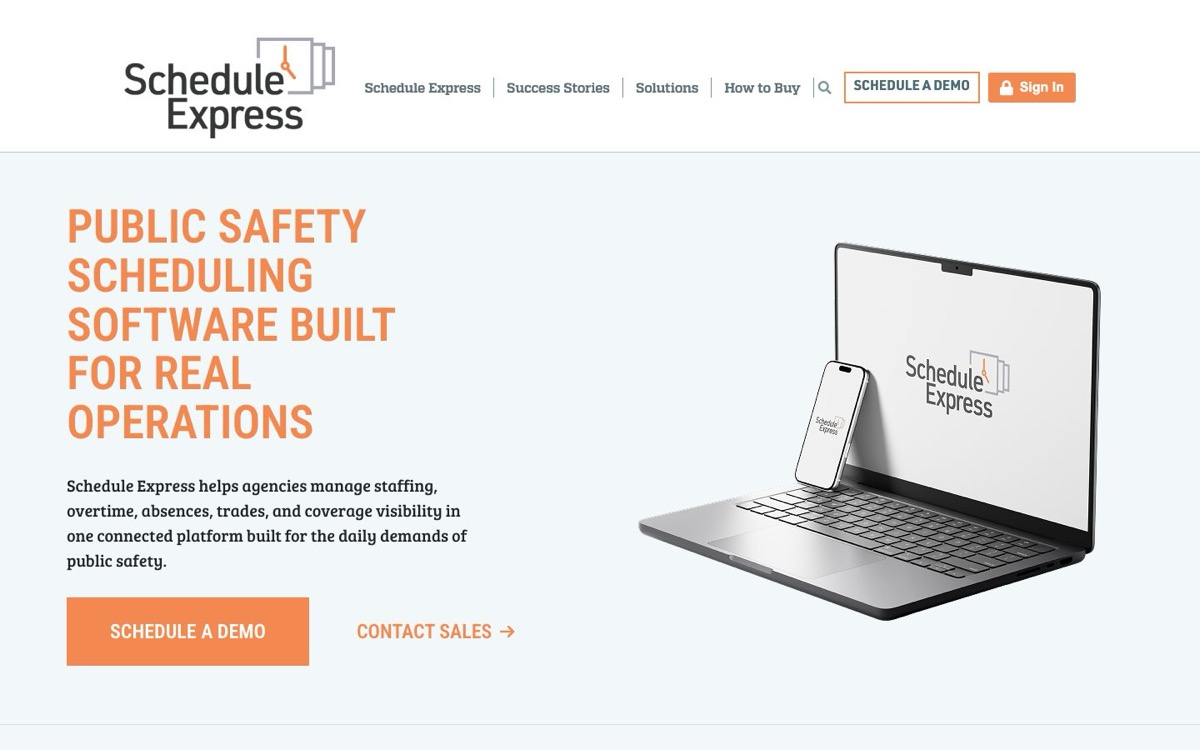
Schedule Express: deep CBA and MOU configuration, cooperative purchasing paths
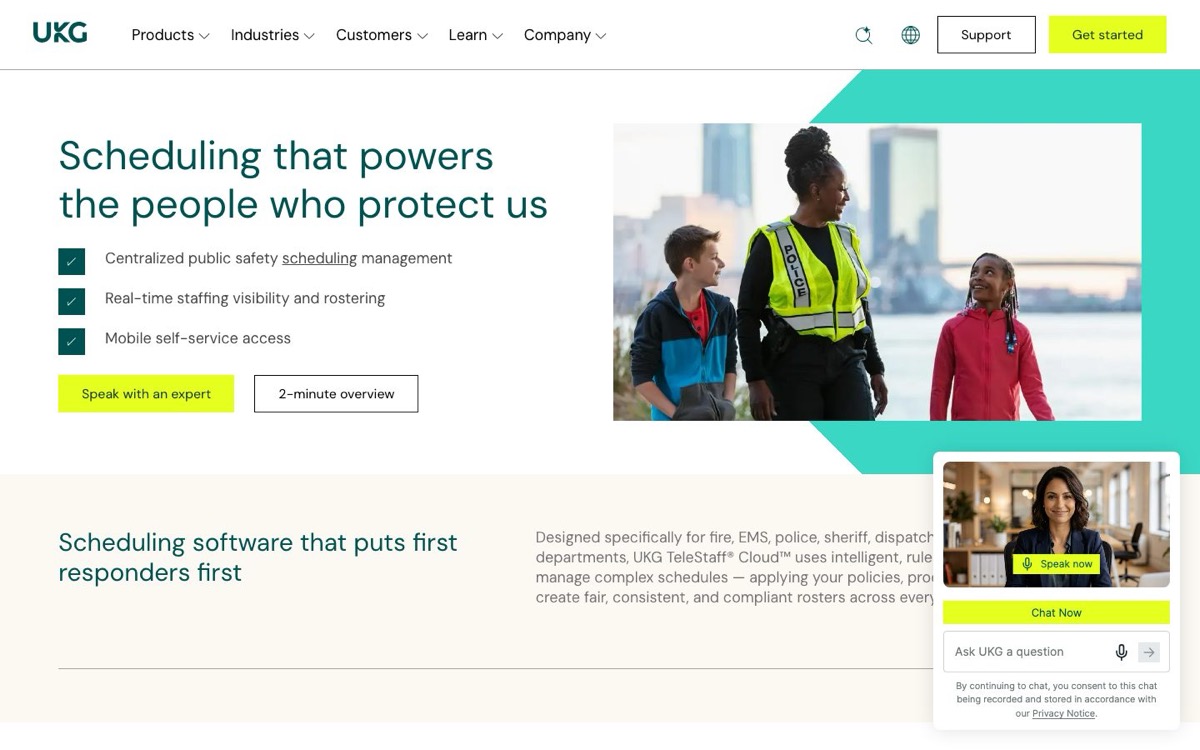
UKG TeleStaff Cloud: enterprise-scale scheduling in the wider UKG stack
The list is alphabetical. Numbering is navigation, not a score; the fit-based shortlists near the end hold the buying guidance.
There is no universal winner here, so the real pick is your process: use the shift-rule worksheet below, then require a configured demo on your own rules before you commit.
What Counts as Police Scheduling Software?
Search results for police scheduling mix at least four different buying jobs, and vendors rarely draw the line for you. Before any product comparison makes sense, the categories need to be visibly distinct.
Category
Primary job
Typical records and functions
Relationship to this list
Core duty-roster scheduling
Put qualified personnel into 24/7 agency coverage under operational and labor rules
External job intake, eligibility and distribution, invoicing, collection, payment, employer and customer records
Separate adjacent lane, not interchangeable with the core seven
Timekeeping and payroll
Record payable time and calculate or transmit pay data
Timecards, pay codes, accruals, approvals, payroll calculation or export
An integration or module to evaluate, not assumed to be the same system
Generic employee scheduler
Schedule ordinary shifts across many industries
Templates, availability, open shifts, swaps, basic labor controls
Consider only after police-specific rules are demonstrated
Personal shift calendar
Help one officer view a rotation
Personal calendar, reminders, family sharing
Outside agency procurement intent
Core duty-roster scheduling is the category this guide compares.
Put FLSA section 7(k) in the configured test
The Fair Labor Standards Act (FLSA) section 7(k) is a work-period framework for qualifying public-agency law enforcement employees.
The US Department of Labor's fact sheet on FLSA for police and firefighters sets work periods of 7 to 28 days, with overtime due past 171 hours in a 28-day period and proportionally fewer for shorter ones.
Section 7(k) is a legal framework, not a software badge. A product can track hours and configure overtime without proving your agency's exact setup:
your adopted 7(k) calculation
collective bargaining agreement (CBA) and memorandum of understanding (MOU) terms
state wage rules, comp-time handling, callback pay, court pay, and pay-code treatment
Treat every labor claim the same way: your payroll team, labor counsel, human resources (HR), and the bargaining-agreement owner approve the configured rules, not a vendor demo.
For a small agency, overtime rules are operational rules, not just payroll settings. A single court appearance, sick call, training day, holdover, or callback can push one officer past the agency's adopted threshold while leaving few qualified replacements. Require the demo to reproduce your actual 7(k) work period where applicable, CBA or MOU terms, state wage rules, comp time, callback pay, court pay, approval limits, and voluntary-versus-mandatory overtime order.
Fatigue management needs its own written policy test. Ask the vendor to demonstrate minimum rest between shifts, consecutive-hour and consecutive-day limits, off-duty work conflicts, warning and override behavior, supervisor approvals, and an exportable record of every exception. The software should enforce or flag the policy your agency approves; it should not define that policy for you.
Excluded: computer-aided dispatch (CAD), records management system (RMS), case management, evidence management, and personal shift-calendar apps.
Two category gates decided who made the list at all. CLIPr is not scored on these scheduling-only gates because it is a report-drafting layer, not a scheduler.
Gate 1: Current Availability
A product had to be currently marketed as a deployable system on its own live first-party pages. Prelaunch products, redirected brands without clear standalone status, and products represented only by an old app listing did not qualify.
Gate 2: Category Eligibility
A product had to show current first-party evidence for 24/7 duty-roster scheduling plus at least minimum staffing or rules-based coverage, employee requests, and agency-wide schedule administration. Off-duty specialists and generic schedulers sit in the adjacent-tools section instead.
Every claim leans on current first-party product, security, integration, pricing, and app pages, plus government and procurement sources for legal context. App-store comments appear only as attributed demo-test prompts, never as verdicts.
Where public evidence for a capability was not located, the tables say "not established publicly." That is not a no; it is a demo question to make the vendor answer with evidence.
The comparison uses five practical criteria that an agency can verify in a configured demo:
Roster and rule depth: shift patterns and bidding, minimum staffing, qualifications, CBA and MOU rules, overtime and FLSA 7(k) posture.
Exceptions and employee workflow: court, leave and swaps, callbacks and open shifts, notifications, mobile access.
Time and records: timekeeping and payroll connections, audit history, reports, retention and export.
Deployment and assurance: staged implementation, hands-on support, deployment-specific security evidence, and named integration methods.
Commercial and fit: transparent itemized pricing, modules, procurement path, and the agency condition each product fits.
There is no numeric score, by design: eligibility is a gate, and the rest depends on rules a publisher's weighted total cannot know. Selection also sits inside broader governance, which the guide to technology and policing covers.
Document your shift rules before the first demo. The worksheet two sections down exists for exactly that.
Police Scheduling Software Comparison
The at-a-glance table below compares all seven on the fields that decide procurement. The "main item to verify" column matters as much as any capability cell.
Product
Evidence-backed fit
Court workflow
Labor and rule posture
Mobile
Payroll and timekeeping
Price status
Main item to verify
Aladtec by TCP Software
Configurable 24/7 scheduling with structured shift bidding
Not established publicly
Overtime, fatigue, labor controls; 7(k) not established publicly
iOS, Android, plus web
Reporting and payroll; TCP timekeeping combination
Public amount not located
June 2026 bidding and Aladtec-specific connectors
InTime
Court and subpoena workflows plus broader workforce modules
Dedicated court and subpoena module established
Rule-based overtime established; 7(k) detail not established publicly
iOS, Android, plus web
Optional timekeeping module with payroll export
Custom; public amount not located
Module entitlements and audit-history export
Jivasoft On Duty
Paired on-duty and off-duty workflows; cloud or self-hosted
Not established publicly
Overtime and comp time established; 7(k) not established publicly
Connected-device web; native On Duty apps not established publicly
Timecards and payroll export
Public amount not located
Core shift bidding, assurance report, native apps
PowerTime by PowerDMS
PowerDMS/NEOGOV environment with CBA and FLSA-oriented configuration
Court entries mentioned; dedicated workflow not established publicly
Vendor states FLSA tracking; agency 7(k) must be validated
iOS and Android, still branded PlanIt
Timesheets and payroll CSV export
Public amount not located
Exact 7(k), CBA, court rules plus current security scope
Schedule Express
Deep CBA and MOU configuration with cooperative purchasing paths
Court-unit scheduling shown for jail; police workflow not established publicly
Overtime lists and rules established; 7(k) detail not established publicly
iOS and Android
Payroll and time-bank tracking; integration catalog not located
Public amount not located; Texas DIR posts discounts, not base dollars
Integration catalog and current assurance scope
UKG TeleStaff Cloud
Larger or complex agencies aligning with the wider UKG enterprise stack
Not established publicly
Hours, fatigue, labor-rule tracking established; 7(k) detail not established publicly
HTML5 browser self-service; native app not located
CAD, RMS, payroll connections via file and API patterns
Base amount not located; optional SMS rates are separate
Exact integrations, audit fields, and order-form terms
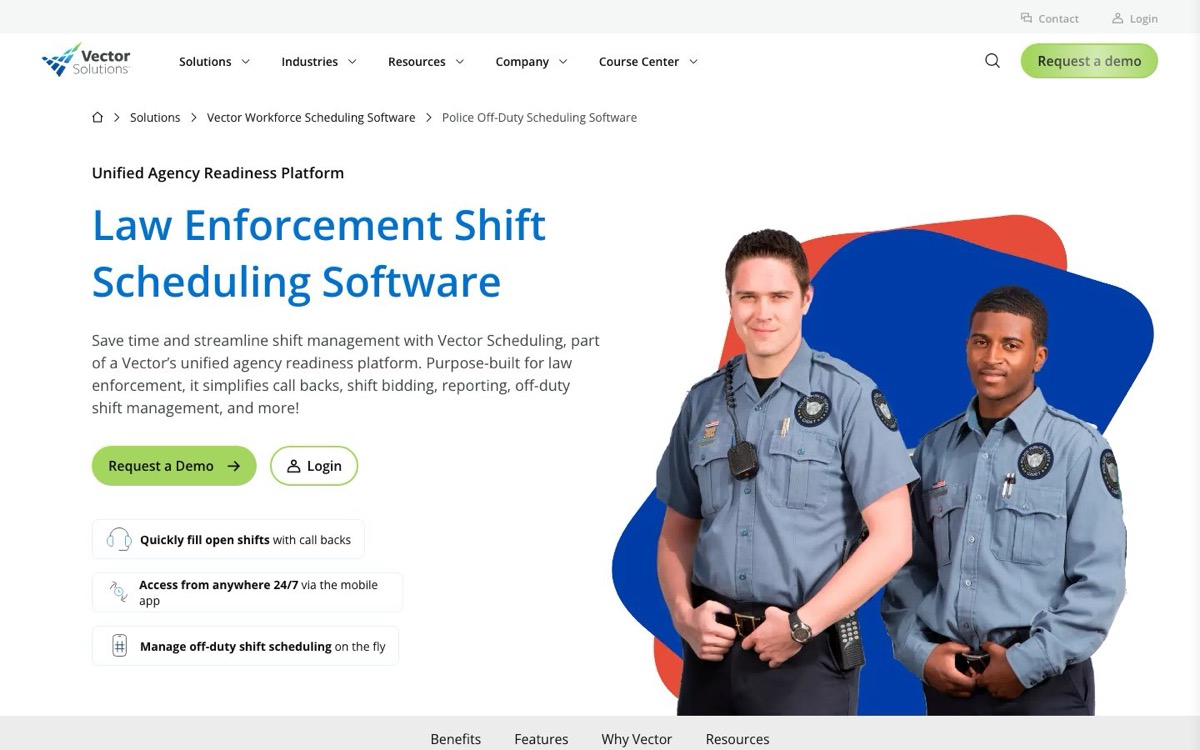
Vector Scheduling
Callback automation, qualification-aware coverage, Vector training
Not established publicly
Overtime and labor rules established; 7(k) detail not established publicly
iOS and Android
Time and attendance plus payroll exports at feature-list level
Public amount not located
iOS release currency and product-scoped security assurance
Rows are alphabetical; numbering is navigation, not a rank.
One evidence fact worth calling out: InTime is the only product here with a dedicated court and subpoena module on current public pages. That is not a quality score, and it still needs a live demonstration against your own court system and cancellation workflow.
A few acronyms show up throughout this guide, so here they are in one place:
Key Terms
SOC reports
System and Organization Controls audit reports
SSO
single sign-on
MFA
multi-factor authentication
TLS
transport layer security
SFTP
secure file transfer
SLA
a service-level agreement
SOW
a statement of work
CSV
a comma-separated values export file
SMS
text messaging
Texas DIR
the Texas Department of Information Resources
A SOC 3 is a public general-use summary; the detailed SOC 2 report behind it is what your review actually needs.
The price column shows the same thing for all seven: no standard public dollar amount was located on current sales and pricing pages. That is normal here, and it makes the requirements worksheet below your primary negotiating asset.
Police Shift-Rule Requirements Worksheet
A configured demo beats a feature page when every vendor runs the same test. Keep this as one lean, agency-owned worksheet.
Rule and ownerPlain-language rule, policy or CBA source, and agency approver.
People affectedUnit, role, qualification, location, and current exception process.
ProofDemo result with a screenshot, export, audit event, or follow-up item.
DeliveryConfiguration work, integration owner, staged rollout step, and support commitment.
Cost and close dateItemized price, unresolved question, due date, and final signoff.
Run it across six groups
Coverage and qualifications; rotations and bids; labor, leave, and exceptions; mobile notifications; payroll and audit; and security, implementation, pricing, and exit.
Grounded in a Real Procurement
Ottawa County, Michigan's 2025 sheriff scheduling RFP asks vendors to address schedule types, callouts, trades, bids, mobile, SSO, role controls, audit trails, security, retention, migration, training, support, and full pricing.
It also demands integration answers by method, frequency, ownership, and cost.
One county's requirements are not universal, but they are a far better starting skeleton than a vendor's feature page.
Six configured demo scenarios
Require every shortlisted vendor to run these scenarios in a configured demo, in order, on your data shapes:
Load an anonymized roster and publish two real rotations, including an overlap or relief-day edge case.
Run a bid with seniority, qualifications, a tie, an ineligible bidder, and an authorized override.
Resolve a short-notice coverage gap using the agency's voluntary and mandatory overtime rules.
Process a court conflict, leave request, shift swap, and expiring qualification while preserving coverage.
Complete officer and supervisor tasks on agency-supported mobile devices, including notification fallback.
Export and reconcile a full pay period, show the audit trail, then walk through staged migration, rollback, support, security evidence, data export, and exit.
The worksheet and demo script are scheduler-specific. They do not evaluate CLIPr or any other adjacent system.
7 Police Scheduling Software Options for 24/7 Agencies
The seven options below are listed alphabetically; the right shortlist depends on the agency's rules, systems, and implementation constraints. Each card ends with a Procurement considerations checklist: items to verify for any option here, not strikes against that vendor.
1)
Aladtec by TCP Software: 24/7 public-safety scheduling with structured bidding
TCP Software's public-safety scheduling product for fire, emergency medical services (EMS), law enforcement, and corrections, built around configurable 24/7 rotations.
Evidence-backed fit
Agencies seeking configurable rotations, qualification tracking, union and labor rules, mobile self-service, and newly documented simultaneous and interval shift bidding.
What the evidence establishes
Current Aladtec pages establish configurable 24/7 rotations, minimum staffing, qualifications, trades, and open-shift pickup, with labor and fatigue safeguards.
A June 2026 TCP article adds reusable bid profiles with qualification filtering, seniority ordering, and award notifications. Court workflows and 7(k) calculation detail are not established publicly.
TCP publishes a company security page and a 2025 SOC 3 report covering the Aladtec system; request the current SOC 2 scope, period, and exceptions.
Pricing status: Public amount not located on the reviewed sales pages. Request itemized costs for modules, the timekeeping combination, messaging, integrations, migration, training, support, and renewal.
Procurement Considerations
Confirm the June 2026 bidding release is included in your quote, and that each integration is supported by product, version, direction, and fee. The TCP-wide catalog does not prove Aladtec support for every connector. Get migration method, acceptance criteria, and SLA in writing.
Sources: Current TCP and Aladtec first-party product, security, and app pages.
2)
InTime: Court and subpoena workflows plus broader workforce modules
A cloud public-safety workforce platform with scheduling at the core and optional timekeeping, court and subpoena, shift bidding, training, and asset modules.
Evidence-backed fit
Agencies for which court and subpoena scheduling, and connections to payroll, RMS, CAD, and HR systems, are central shortlist requirements.
What the evidence establishes
Current InTime pages establish configurable pattern templates including Pitman, minimum staffing, rule-based overtime, leave and schedule-change requests, optional bidding with preference and seniority sequencing, and certification tracking.
The dedicated court module describes electronic subpoena acceptance, court notifications, witness availability, and court reporting, all vendor-reported. Explicit CBA and MOU configuration detail and 7(k) calculation support are not established publicly.
An optional timekeeping module connects schedules to timesheets, pay codes, approvals, and payroll export, and InTime names web-service connections to systems such as PeopleSoft, Munis, Tyler, ADP, and SAP.
Its trust page states SOC 2 Type 2 framework alignment, encryption, and MFA controls, vendor-reported; request the current report, period, scope, and exceptions.
Pricing status: Custom, based on agency size, modules, and training. Public amount not located.
Procurement Considerations
Validate module entitlements, the connection to your actual court system, CBA and 7(k) rule configuration, named integration details by version and direction, migration and parallel-payroll support, and audit-history export, which is not established publicly in complete detail.
Sources: Current InTime first-party product, court, trust, and US app pages.
3)
Jivasoft On Duty: Paired on-duty and off-duty workflows with hosting choice
Jivasoft's core On Duty duty-roster product, sold alongside a separate Xtra Duty product for off-duty detail administration, with cloud or self-hosted deployment.
Evidence-backed fit
Agencies that want to evaluate core roster scheduling alongside a related off-duty workflow, or that need a genuine cloud-versus-self-hosted conversation.
What the evidence establishes
Current pages establish 24/7 scheduling, hourly minimum staffing, leave and swaps, overtime and comp time, certification expiry, custom staffing rules, and internal audit trails, over connected-device web access.
Native On Duty app listings, core shift bidding, court workflows, and 7(k) detail are not established publicly.
One boundary to keep straight: Xtra Duty covers detail jobs, awarding, conflicts, invoicing, collection, and payment. Those are Xtra Duty functions, not On Duty roster features, unless the combined package is what the vendor proposes.
Jivasoft lists cooperative purchasing references, though some contract language centers off-duty services, so verify what is actually awarded.
Pricing status: Public amount not located.
Procurement Considerations
Ask for current security assurance reports, named connectors beyond payroll export, native app plans, migration method, and SLA terms. If self-hosting, add your own infrastructure, patching, and backup responsibilities to the total cost.
Sources: Current Jivasoft first-party product, solutions, and cooperative-contract pages.
4)
PowerTime by PowerDMS: Public-safety rules in the PowerDMS/NEOGOV environment
The current PowerDMS public-safety scheduling product, formerly called PlanIt Schedule, from PowerDMS by NEOGOV.
Evidence-backed fit
Agencies already using PowerDMS or NEOGOV products, or agencies prioritizing explicit CBA, seniority, and FLSA-oriented configuration, rules-based emergency recall, audit history, and payroll export.
What the evidence establishes
Current pages establish 8-, 10-, and 12-hour and Pitman schedules, minimum staffing and rest rules, shift bidding, CBA and overtime-rule configuration, leave and swaps, open shifts and recalls, and qualified-officer selection.
Timesheets and payroll CSV export carry a vendor-stated permanent audit trail. Court entries and reporting are mentioned, but a dedicated current police court workflow is not established publicly.
One naming note: the current iOS and Android apps remain branded PlanIt Schedule and are published under PowerDMS and NEOGOV. Same product, older app name, not two systems.
PowerDMS publishes organization-wide security governance rather than a current PowerTime-scoped assurance report, so request product-specific scope.
Pricing status: Public amount not located.
Procurement Considerations
Treat FLSA-oriented marketing as marketing. Test your exact 7(k) work period, CBA terms, court and subpoena handling, pay codes, and comp time in a configured demo, and get connector details plus current security scope in the proposal.
Sources: Current PowerDMS first-party product, law-enforcement, and US app pages.
5)
Schedule Express: Configurable public-safety rules and cooperative purchasing paths
A SafeCities/Informer Systems public-safety workforce scheduling platform covering law enforcement, jail, fire, EMS, and 911 operations.
Evidence-backed fit
Agencies needing deep CBA and MOU rule configuration, annual and periodic bidding, minimum staffing and qualification coverage, and public cooperative-purchase routes.
What the evidence establishes
Current pages establish unlimited rotations, CBA and MOU configuration, bidding, minimum staffing, voluntary and mandatory overtime lists, leave and trades, and skills and role coverage.
Court-unit scheduling appears under the jail use case; a dedicated police court and subpoena workflow is not established publicly, and neither is 7(k) calculation detail.
Current iOS and Android apps are listed, though store notes indicate some supervisory functions are split across app versions, so confirm which build supports each supervisor task. Payroll and time-bank tracking are established, but a named integration catalog was not located.
Custom configuration, on-site implementation and training, and a support phone line are described.
Request the integration catalog, current security assurance scope, supervisor app parity, and SLA terms as direct evidence, and confirm cooperative-contract eligibility for your state before building the budget around it.
Sources: Current Schedule Express first-party product and US app pages plus the Texas DIR contract record.
6)
UKG TeleStaff Cloud: Complex public-safety scheduling and enterprise integration
UKG's public-safety scheduling platform for police, sheriff, fire, EMS, dispatch, and corrections, sitting inside the wider UKG human capital management (HCM) environment.
Evidence-backed fit
Larger or operationally complex agencies aligning scheduling with UKG or enterprise payroll, CAD, RMS, SSO, and integration requirements.
What the evidence establishes
Current pages establish static, rotating, and daily schedules, roster alarms and minimum staffing, qualified vacancy fill with multi-channel notification, skills and certifications, bidding, and union, department, and HR rules, plus an extra-duty add-on, over browser-based HTML5 self-service.
A TeleStaff-specific US native app listing was not located, and court workflows and 7(k) calculation detail are not established publicly.
UKG's technical profile and cloud guidelines describe TLS encryption, secure file transfer (SFTP), APIs, Security Assertion Markup Language (SAML) single sign-on, and annual SOC 1 and SOC 2 audits, with document age and scope subject to current verification.
Migration and SLA specifics live in the service description and SOW attached to your order.
Pricing status: Base public amount not located. UKG publishes optional SMS message-block rates separately; that is messaging pricing, not TeleStaff subscription pricing.
Procurement Considerations
Verify exact integrations and custom integration fees, audit fields and export, support portal access and SLA, native-app expectations versus browser reality, and which cloud-guideline clauses apply to your tenant and order form.
Sources: Current UKG first-party product, technical, cloud-guideline, and support pages.
7)
Vector Scheduling: Callback automation and qualification-aware coverage
Vector Solutions' public-safety workforce scheduling product, formerly associated with CrewSense branding, connected to Vector's broader training and readiness environment.
Evidence-backed fit
Agencies prioritizing callback workflows, employee communications, qualification-aware staffing, and recent minimum-staffing and bidding enhancements, especially where Vector training products are already in use.
What the evidence establishes
Current pages establish flexible shifts, union and labor rules, trades, callbacks and open-shift responses, hourly minimum staffing, eligibility classifications and certifications, and overtime rules, with API access but no named connector catalog.
A January 2026 vendor update states deployment, hourly minimum staffing, and shift-bidding enhancements are available now, vendor-reported. Court workflows and 7(k) detail are not established publicly.
The visible iOS version date in research was old, so verify current release support; support runs through Vector's central support page.
Pricing status: Public amount not located.
Procurement Considerations
The only public security evidence located was Vector's published 2021 SOC 2 attestation announcement, company-wide and now several years old, too broad for a current product claim.
Treat product-scoped assurance as not established publicly, and request current reports, named connectors, migration and SLA detail, and full audit scope.
Sources: Current Vector first-party product, feature, and US app pages plus the 2021 press release.
Adjacent Tools and Current Product-Status Notes
Several products show up in police scheduling searches without belonging in the core comparison.
Off-duty specialists such as PowerDetails, RollKall, Jobs4Blue, and Jivasoft's Xtra Duty manage external jobs, eligibility, billing, and payment. That is real work, just a different job than the agency duty roster.
PowerDetails: current off-duty detail management, not a core roster substitute.
Snap Schedule 365: a generic scheduler with a police vertical page; screen it only after police-specific rules are demonstrated.
ScheduleAnywhere: a legacy brand whose root URL redirects to TCP's Humanity Schedule; standalone new-buyer status is not established.
PlanIt Schedule: the former PowerTime name and current app brand, not a separate eighth product.
Tracwire SHIFT: prelaunch in the current public evidence and excluded until deployable status is established.
Publication-day rechecks still matter, because brands redirect and prelaunch pages sit next to deployable systems in the same search results.
The rule for anything prelaunch or in transition: buy what a vendor can demonstrate today, and put roadmap promises in the contract or leave them out. The guide to future law enforcement technology covers that planning discipline.
How CLIPr Fits Alongside a Scheduling Rollout
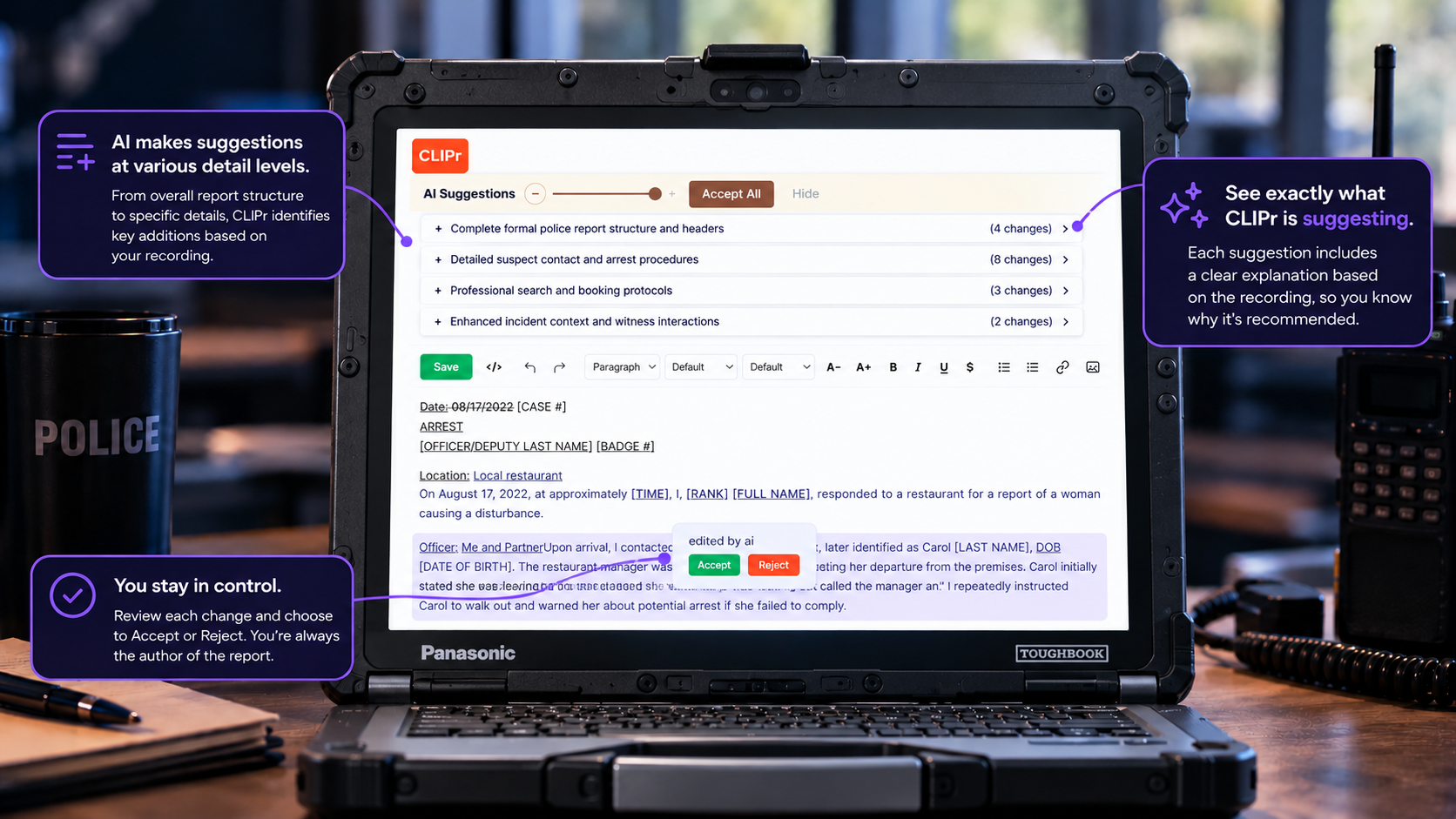
CLIPr publishes this guide, and CLIPr is not scheduling software, so it was not evaluated for the seven options above and is not a substitute for any of them.
The reason a report-drafting tool appears in a scheduling guide at all: a duty roster can only allocate the hours officers actually have, so time saved on police reports compounds across the roster by returning time to patrol, backup, and other scheduled work.
When agencies evaluate that adjacent layer, the relevant checks are:
Officer ownership: the officer reviews, edits, approves, and owns every police report, which is never auto-filed.
Security you can map: a SOC 2 compliant architecture and a CJIS Security Policy-aligned design, evaluated against your own deployment rather than a generic marketing page.
Camera-agnostic overlay: it is designed to accept supported audio and video from an agency's existing camera fleet without forcing a scheduling or hardware replacement. Verify exact inputs and exports in the pilot.
Staged adoption: an agency can begin with a low-friction Crawl workflow, then add automation only after the review process and integrations are proven.
Proof on your own reports: results vary by agency and rollout, so the number that matters is the one you measure yourself.
CLIPr offers a 30-day agency pilot for up to 50 officers, subject to approval, so an agency can run it on real police reports and let its own numbers decide. That connection is context, not a recommendation, and the scheduling decision stands on its own.
Implementation and Migration Checks Before Contract Approval
The demo proved the system can model your rules. Implementation is where agencies find out what it costs to get there, and most of the risk hides in checks nobody scheduled.
Inventory and ownership: identify roster, qualification, leave, pay-code, and audit data plus the owner of each source.
Staged proof: configure a representative sandbox, test mobile and notification fallback, and run a full pay period in parallel before acceptance.
Migration and rollback: define what moves, what stays read-only, reconciliation tolerances, cutover, and recovery.
Security and support: map deployment-specific evidence and customer controls using the law enforcement data compliance guide, then put training, support hours, SLA, and release notice in writing.
Transparent total cost: itemize licenses, modules, integration, migration, training, support, messaging, renewal, export, and exit.
Ottawa County's RFP asks for nearly all of this in writing before award. If budget is the blocker rather than the requirements, the guide to law enforcement equipment grants covers how grant programs and procurement timelines interact.
Fit-Based Shortlists by Agency Need
No universal pick exists here; any guide that names one skips the part where your CBA, court system, and payroll stack decide the answer. Use these fit conditions to pick two or three candidates, then run the worksheet and demo script against all of them.
When paired on-duty and off-duty workflows or a cloud-versus-self-hosted choice merit evaluation.
Whichever two or three you shortlist, the requirement is the same: a configured demonstration on your rules, evidence captured in the worksheet, and a parallel payroll test before contract approval.
Frequently Asked Questions
Police scheduling software is a core duty-roster system that places qualified personnel into 24/7 agency coverage under operational and labor rules.
It manages rotations, assignments, minimum staffing by hour and unit, shift bids, leave and trades, open shifts and recalls, qualifications, and employee notifications.
It is distinct from off-duty detail management, timekeeping and payroll systems, generic schedulers, and personal shift-calendar apps, which solve related but different jobs.
Core scheduling software builds and manages the agency's own duty roster: who covers which shift, under which staffing and labor rules.
Off-duty detail software, such as PowerDetails, RollKall, Jobs4Blue, or Jivasoft's Xtra Duty, administers secondary employment: external job intake, officer eligibility, invoicing, and payment. The two can connect, but one does not replace the other; evaluate them as separate lanes.
Several products in this guide track hours and configure overtime rules, and some market FLSA-oriented tracking.
None of that proves your agency's exact section 7(k) calculation. The 7(k) framework depends on the work period your agency adopted, employee classification, state law, CBA or MOU terms, comp time, callback, and court pay treatment.
Ask each vendor to demonstrate your adopted work period and pay codes in a configured demo, then have payroll, labor counsel, HR, and the bargaining-agreement owner approve the configuration before go-live. This guide is operational guidance, not legal advice.
No. Scheduling systems plan and manage coverage; timekeeping and payroll systems record payable time and calculate or transmit pay. Several products offer timekeeping modules or payroll exports, but a payroll export is not full payroll processing or a bidirectional production integration.
Treat the connection as something to test: export a full pay period into your actual payroll test environment, reconcile totals and pay codes, correct an error, and rerun. If reconciliation fails in the demo, it will not improve under deadline pressure after go-live.
Document your real rules first: rotations, minimum staffing, overtime and callback lists, court handling, leave routing, and qualifications.
Then require each shortlisted vendor to run the same configured demo scenarios, including a bid with a tie, a callout that breaks minimum staffing, a court conflict, and a payroll export you reconcile.
Test the mobile apps on the phones your officers actually carry, and get full costs in writing, including migration, training, support, and exit, before anything is signed.
Free and low-cost scheduling tools exist, mostly as generic employee schedulers rather than police-specific platforms, so free options exist but need heavy screening.
A free or generic tool should not move past initial screening until the agency has tested rule depth for CBA and overtime scenarios, security and access controls, audit history, support terms, migration, and payroll controls.
For many agencies the real cost question is not the license, it is reconciliation errors, coverage gaps, and staff time spent working around a tool that cannot model the rules.
Yes. Current PowerDMS pages identify PowerTime as the product previously called PlanIt Schedule, with the same scheduling workflows under the new name.
The current iOS and Android apps remain branded PlanIt Schedule under PowerDMS and NEOGOV, so treat them as one product in a naming transition and confirm current app branding during procurement.
Most vendors reviewed price by scoped quote, and no standard public dollar amount was located for any of the seven products on current sales pages.
Watch for numbers that look like prices but are not: cooperative-contract discount percentages, separate SMS messaging rates, and legacy desktop prices. Request itemized costs covering licenses, modules, apps, integrations, migration, training, support, messaging, storage, renewal, and exit.
CT
CLIPr Team
AI-assisted public safety documentation
The CLIPr Team writes about operational technology and documentation workflows for law enforcement. CLIPr itself makes AI-assisted police report drafting software, which is why this scheduling guide evaluates no CLIPr scheduling tool.
The Next Step
Do not pick a product from feature pages, including the ones summarized here.
Complete the shift-rule worksheet with everyone who owns a piece of the rules in the room, because each will name rules the others forgot:
your scheduler
your payroll lead
your union or CBA owner
IT
a patrol supervisor
Then shortlist two or three fits, require a configured demo that runs all six scenarios on your data shapes, and collect security and integration evidence for your specific deployment plus a parallel payroll test before contract approval.
The agencies that get this right are not the ones that found a perfect product; they are the ones that made every vendor prove the same things.