10 Bodycam Transcription Software Options for Law Enforcement in 2026
10 bodycam transcription tools compared against six law-enforcement-specific criteria, with one comparison table and a decision framework you can explain to a chief, an IT director, or a city council.
C
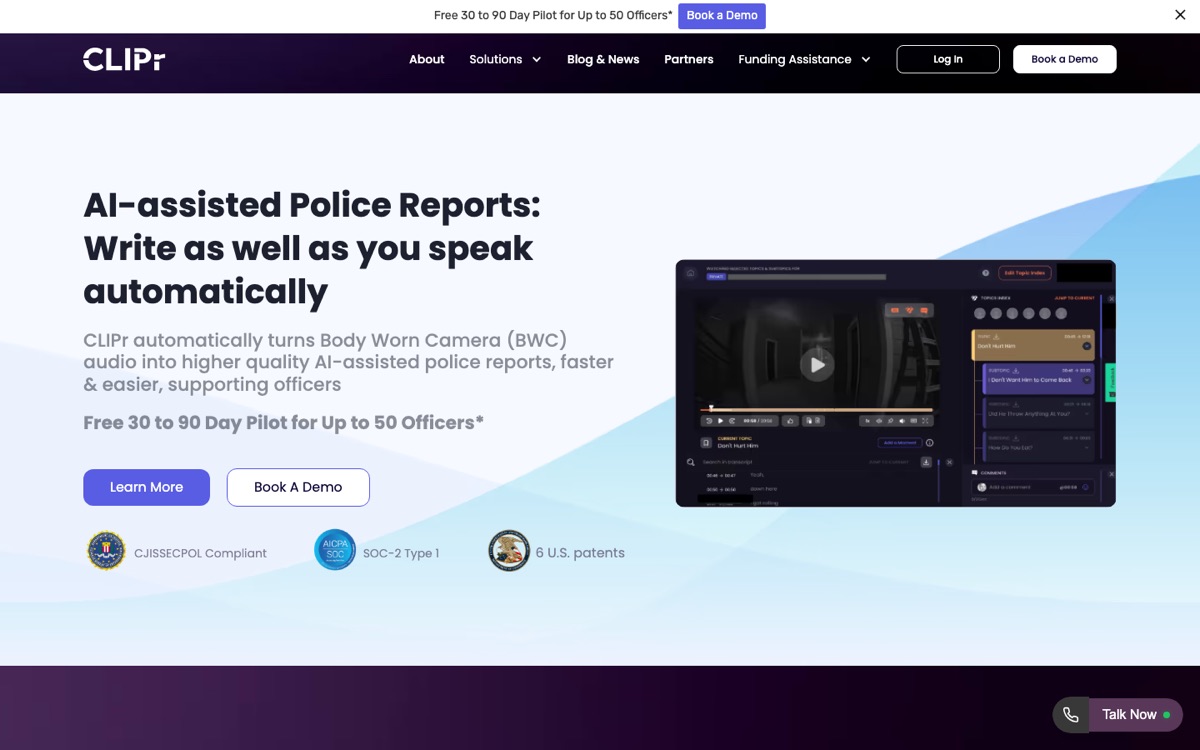
CLIPr TeamAI-assisted police reports from bodycam audio
Command staff, records leaders, and project leads evaluating bodycam transcription software usually arrive with the same problems: officers losing field hours to report writing and video review, records teams buried in FOIA requests, and IT asking about chain of custody.
Vendor pages do not make the evaluation easy. Axon and Motorola bundle transcription inside evidence platforms, specialist vendors publish capability lists without prices, and few explain how transcripts get into your RMS.
This guide compares 10 bodycam transcription tools against six law-enforcement-specific criteria.It ends with the BWC-TRUST scorecard you can use to explain your pick. Most vendors offer pilots or trials, so testing a BWC-to-report workflow can happen without rip-and-replace.
Our evaluation criteria for bodycam transcription
A transcription tool that works for podcasts can fail badly in a police department. These six criteria reflect what actually breaks during law-enforcement deployments.
Chain of custody and auditability
Good looks like
Audit trails, clear data handling, and transcripts that stay linked to the original recording.
Bad looks like
Audio leaving your evidence environment with no record of where it went.
Fit with your existing stack
Good looks like
Transcripts appear inside your DEMS (Evidence.com, CommandCentral) or export cleanly to your RMS.
Bad looks like
Officers copy-pasting between browser tabs.
Transcript quality
Good looks like
Speaker diarization, timestamps, in-transcript search, and translation options where your community needs them.
Bad looks like
A wall of unlabeled text.
Turnaround and reliability
Good looks like
Automated processing with predictable delivery and a notification when the transcript or draft is ready.
Bad looks like
A queue you cannot see into.
Security and compliance posture
Good looks like
Published law-enforcement security statements, SOC 2 documentation where applicable, and clear ownership, retention, deletion, and data-handling terms.
Bad looks like
A trust page with no specifics. A generic badge is a starting point, not proof of CJIS Security Policy alignment; it helps to review the controls, documentation, and data-handling terms behind it.
Total cost model
Good looks like
A pricing structure that matches your volume (per-minute, license, or bundle) and a pilot before you commit.
Bad looks like
Opaque pricing plus a multi-year contract on day one.
The BWC-TRUST scorecard
Use this rubric to rate any shortlisted tool from 0 to 5 on each dimension. It compresses weeks of demo calls into one defensible score.
5Written security posture statements, SOC 2 documentation, and clear ownership, retention, and deletion terms
T
Total cost modelWhat you're scoring: pricing structure and trial path
0Opaque pricing, long contract, no trial
5Transparent model matched to volume, pilot available
Three scoring rules keep it honest:
Weight the dimensions for your agency. A records-heavy agency should weight S and R. An investigations unit should weight transcript quality. An agency under 50 sworn officers, the majority of US departments, should weight low IT overhead, no lock-in, and speed to first draft, and treat heavier enterprise features as a lower priority.
Score from evidence, not demos. Use vendor documentation, published security pages, and pilot results. Lean on what a vendor can show you, and weight a working pilot over a slide.
Pay extra attention to a low R or S score. Those are the two dimensions that tend to surface problems after the contract is signed, not before, so it is worth noting why a tool lands low there.
Quick comparison: the 10 tools at a glance
#
Product
Likely fit
Pricing
Compliance signals
01
CLIPr Report-ready workflowsBWC audio to AI-assisted report drafts
Agencies that want report-ready transcripts and drafts across existing cameras, from small departments to larger county, state, and sovereign deployments
Searchable Audio $0.105/min; Searchable Video $0.21/min; free 30 to 90 day pilot
CJIS Security Policy-aware posture, SOC 2 architecture signal, and data-handling terms to confirm in procurement
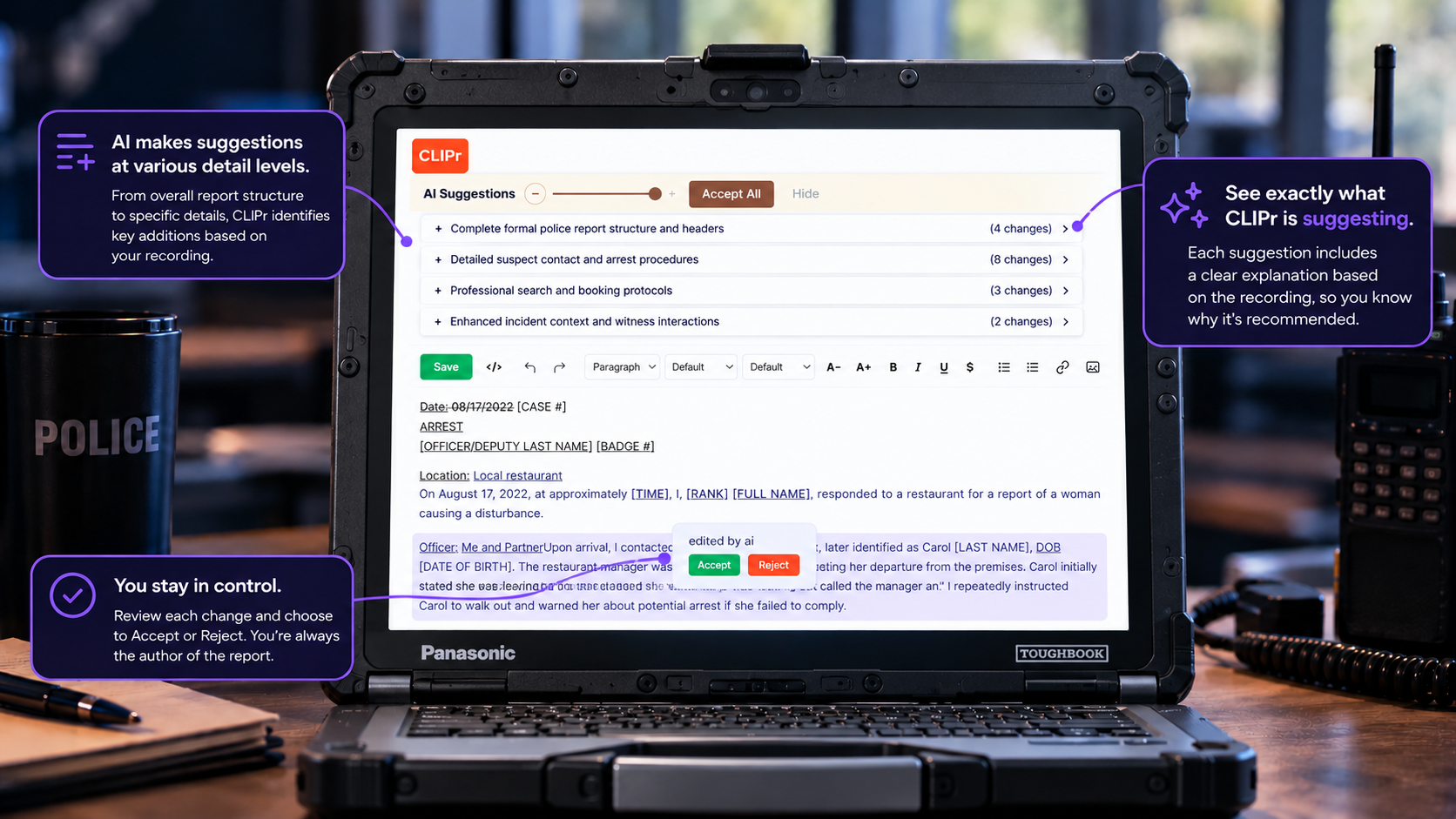
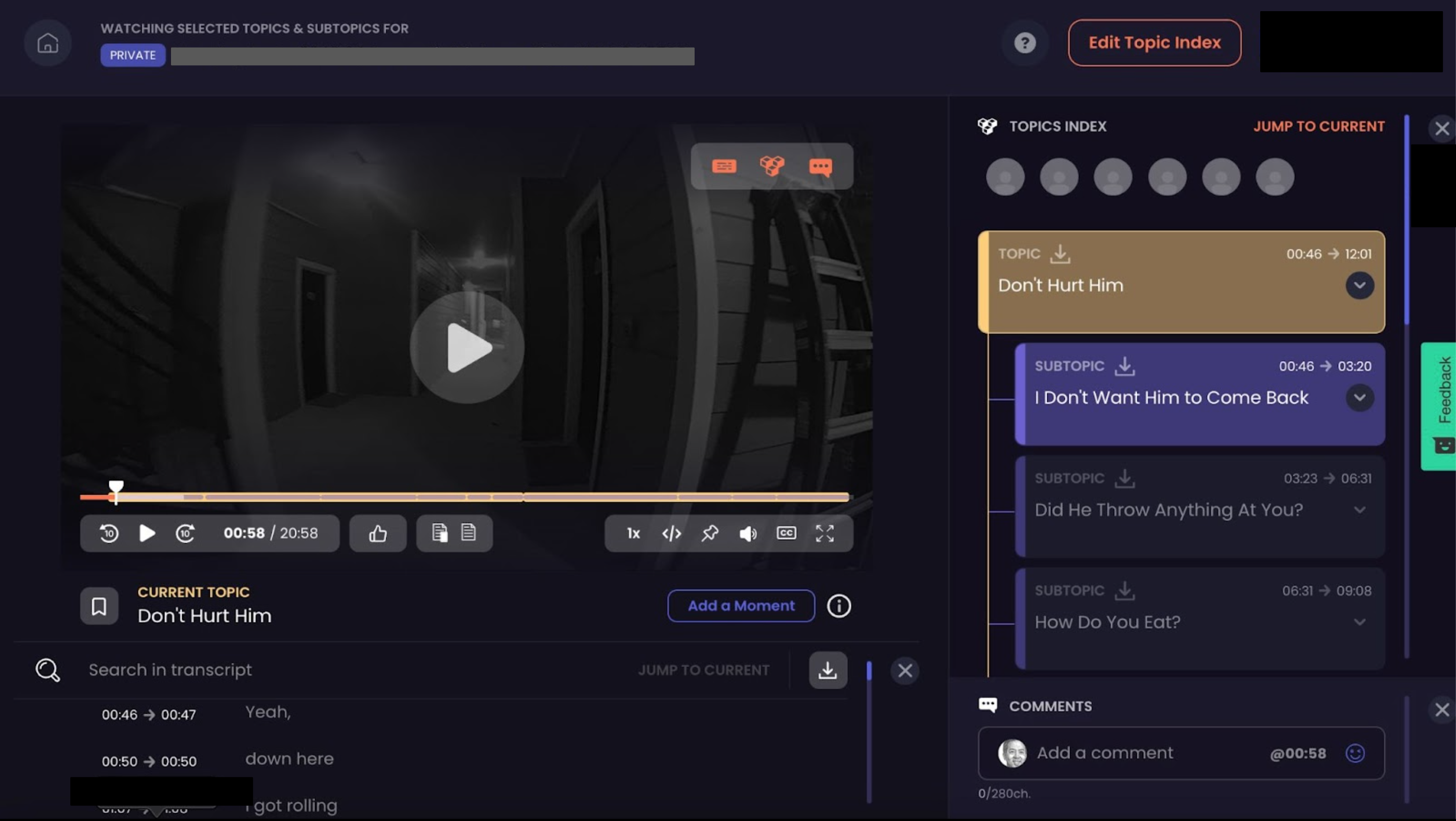
For this category, the fit is simple: report-ready output from cameras you already run. It is camera-agnostic, with security and data-handling terms available to review during procurement, and the free 30 to 90 day pilot tests the workflow before any contract.
The CLIPr workflow
1Drag and drop from your evidence platform
2Get a notification
3Review the generated draft
4Copy it into the RMS
The problem it targets is scale. CLIPr's homepage cites 1.2M+ hours of BWC footage recorded every day in the US, with 50%+ of officers' time spent drafting reports manually or skimming video.
1.2M+hours of BWC footage recorded daily in the US
50%+of officers' time spent drafting reports or skimming video
Transcript qualitySpeaker IDs, timestamps, searchable notes, native support for the top 102 languages globally, plus report drafts
RMS / DEMS fitCamera-agnostic; copy the reviewed report into your RMS
TurnaroundAutomated; notification when the draft is ready
Strengths
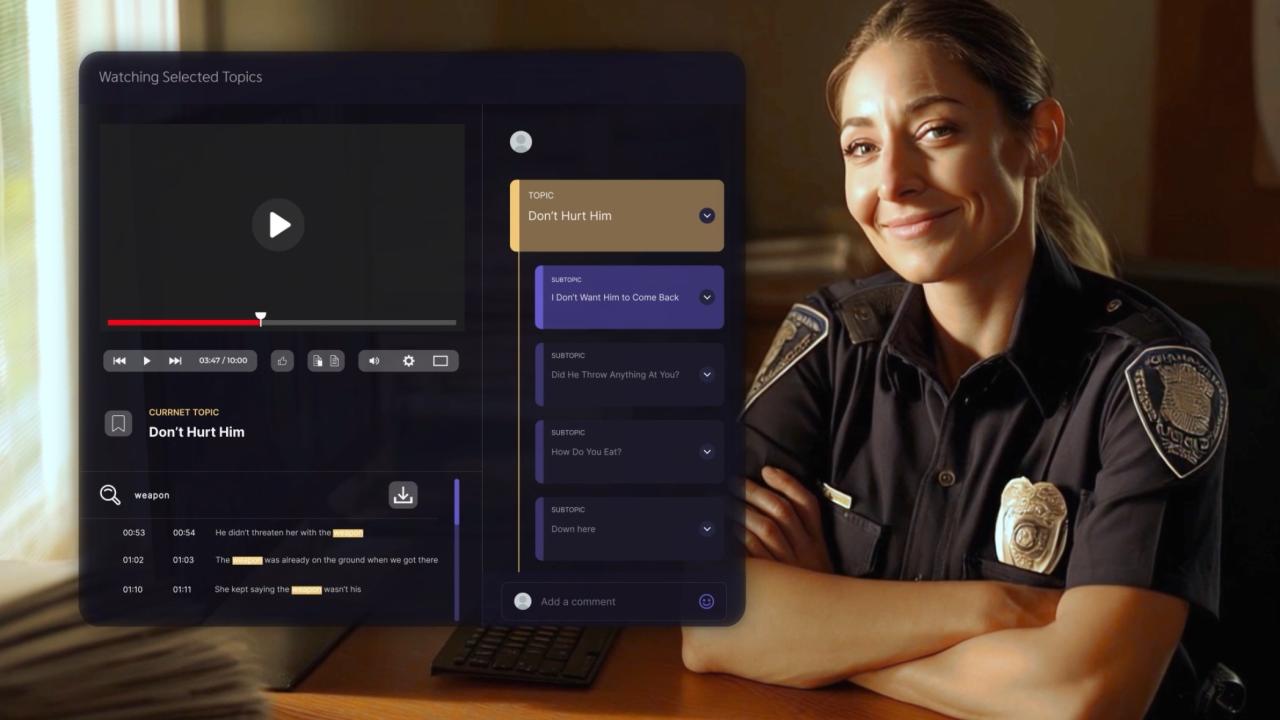
Report drafts, not just transcripts. The workflow starts by dragging and dropping BWC or dashcam footage from your existing evidence platform, then a notification, then review of the generated draft, then a copy into the RMS. As an agency scales, CLIPr adds dock-to-auto-upload after a shift and a direct RMS push of the reviewed report. The transcript becomes a first draft instead of raw material for one.
Camera-agnostic. CLIPr lists support for Axon, Motorola, Getac, Digital Ally, Reveal Media, Hytera, HALOS, 10-8, and other BWC and dashcam platforms, plus an announced i-PRO partnership, so there is no rip-and-replace.
Searchable, structured output. Incidents get indexed, timestamped, searchable notes, and a CLIPr dictionary corrects repeated transcription errors. Investigation units get detective interview-room transcription and Q&A browsing with speaker-identified transcripts.
Security posture stated up front. The site displays CJIS Security Policy-aware and SOC 2 architecture signals, and the underlying controls and data-handling terms are available to review during procurement.
Heads up: CLIPr requires an intentional workflow shift for officers who are used to typing traditional narratives from scratch.
Drafts still require officer review and editing, and time savings depend on adoption of the review-and-edit model and the quality of the source audio.
Pricing: Searchable Audio is $0.105/min and Searchable Video is $0.21/min; larger deployments can be utilization-scoped, and a free 30 to 90 day pilot is available with no credit card.
Good fit for: Small departments piloting quickly, plus larger city, county, sheriff, state, and sovereign agencies that want flexible "AI: Your Way" deployment across modern cloud, private, or hybrid architectures.
Good fit for agencies already standardized on Axon Evidence.
What it is: Axon Auto-Transcribe is the transcription layer built into Axon Evidence, generating transcripts directly on evidence items from Axon body cameras and other recordings.
Transcript qualityAutomated transcripts tied to each evidence item; powers auto-tagging
RMS / DEMS fitNative inside Axon Evidence
TurnaroundAutomated in-platform
Strengths
Zero workflow disruption for Axon shops. Transcripts appear inside Evidence.com on the evidence detail page, so audio never leaves the platform and chain of custody stays intact, per Axon's help documentation.
Transcripts feed the rest of the ecosystem. Transcript text powers AI auto-tagging, which applies metadata to video automatically.
Predictable cost at the top tier. Axon's licensing documentation notes an Unlimited Auto-Transcribe Add-On included in OSP7+ Premium bundles.
Evaluation notes
Transcription is the output. Officers still draft their own report narratives.
Pricing: Sold as an add-on within Axon's bundle structure; the unlimited version is included in OSP7+ Premium. No standalone public price.
Heads up
It is an ecosystem feature, not a standalone product. If your cameras or DEMS are not Axon, this option may not fit.
Good fit for: Agencies already on Axon Evidence, especially those on or moving to OSP7+ Premium, that want transcripts without introducing a new vendor.
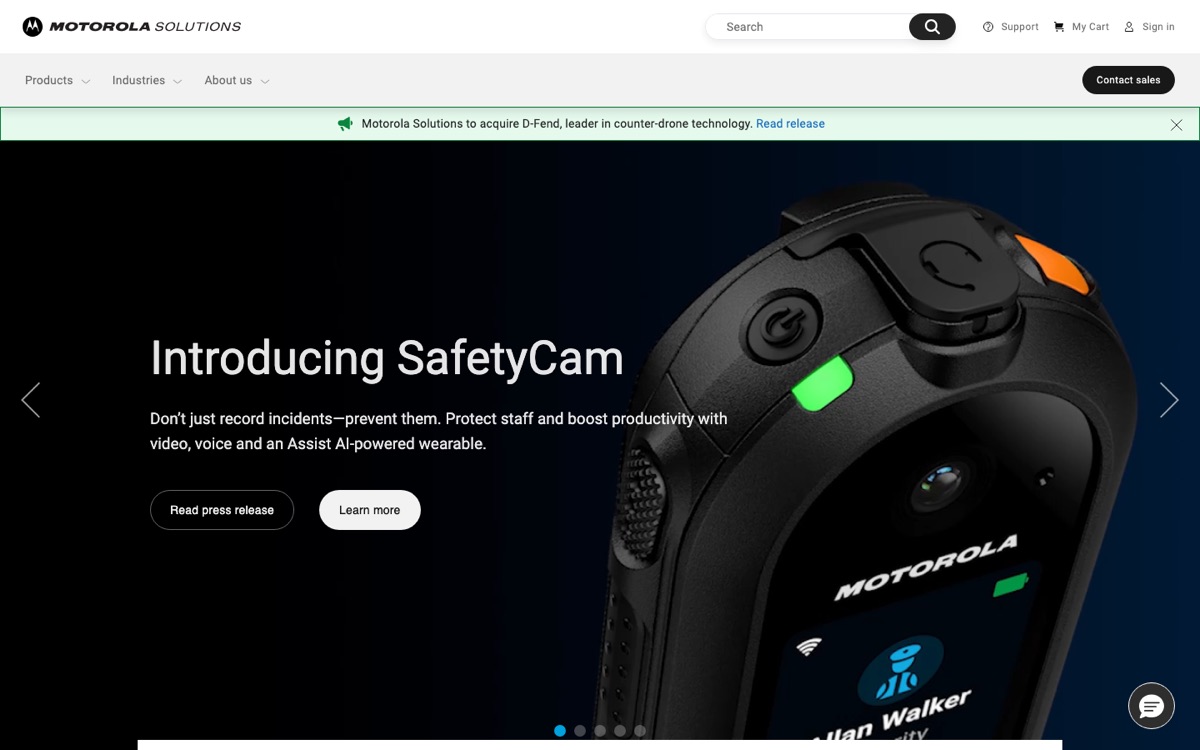
Good fit for Motorola WatchGuard and CommandCentral stacks.
What it is: Assisted Transcription is Motorola's automated transcription capability inside CommandCentral Evidence, its digital evidence management system.
Transcript qualityAssisted transcription on evidence items
RMS / DEMS fitNative inside CommandCentral DEMS
TurnaroundAutomated in-platform
Strengths
Native to the Motorola DEMS. Like Axon's offering, transcription happens inside the evidence platform, which keeps auditability simple for agencies on WatchGuard cameras and CommandCentral software.
Part of a full records-and-evidence suite. Transcription sits alongside Motorola's broader evidence management stack, which matters if you are consolidating vendors.
Evaluation notes
A likely evaluation question is whether your agency is already committed to Motorola cameras and CommandCentral Evidence.
Pricing: Custom. Transcription is positioned as part of the CommandCentral Evidence offering rather than priced separately in public materials.
Heads up
Public documentation provides less detail than some buyers may want. Expect to confirm workflow, export, security, and pricing details through the sales process.
Good fit for: Agencies running WatchGuard in-car or body cameras with CommandCentral Evidence that want transcription inside their existing DEMS contract.
04
VIQ Solutions FirstDraft
Human QA pathway
Good fit for agencies that want automated drafts with a human QA pathway.
What it is: FirstDraft is VIQ Solutions' automated transcription product, sitting on top of a company with a long history in evidence-grade law enforcement transcription.
Transcript qualityAutomated drafts with a human-review pathway; up to 95% accuracy claim
RMS / DEMS fitExports into evidence and documentation workflows
TurnaroundAutomated; human QA adds time
Strengths
Automation plus human review in one vendor. VIQ pairs AI-assisted drafts (FirstDraft cites accuracy of up to 95% on its product page) with human transcription services, useful when a transcript needs to survive courtroom scrutiny.
Built for documentation-heavy workflows. VIQ's law-enforcement positioning covers interviews and evidentiary recordings, not just BWC audio.
Evaluation notes
Human-reviewed work takes longer than pure machine output. Budget turnaround time accordingly.
Pricing: Custom. No public per-minute or license pricing for FirstDraft.
Heads up
It is a transcription and documentation company, not a DEMS. Plan the export path into your evidence and records systems before piloting.
Good fit for: Mid-size and larger agencies where some transcripts (major cases, interviews) justify human verification on top of AI drafts.
05
Veritone
Multi-language at scale
Good fit for multi-language transcription and redaction at scale.
What it is: Veritone applies its aiWARE platform to state and local government workloads, combining machine transcription engines with Veritone Redact for public-release workflows.
Language coverage. Veritone's government positioning highlights transcription across 60+ languages, a real differentiator for agencies serving multilingual communities.
Scale and legal-discovery reach. Veritone documents multi-language machine transcription inside legal discovery workflows, including Relativity integration, which suits counties and DA-adjacent work.
Published security claims. Veritone's site carries SOC 2 claims, a useful baseline signal to review in procurement.
Pricing: Custom.
Heads up
aiWARE is a platform, and platforms bring implementation work. Smaller agencies should verify that the scope matches their staff capacity and transcription volume.
Good fit for: Larger agencies, counties, and prosecutor-adjacent teams that need translation, redaction, and transcription volume in one contract.
Good fit for in-house redaction teams that want transcription in the same UI.
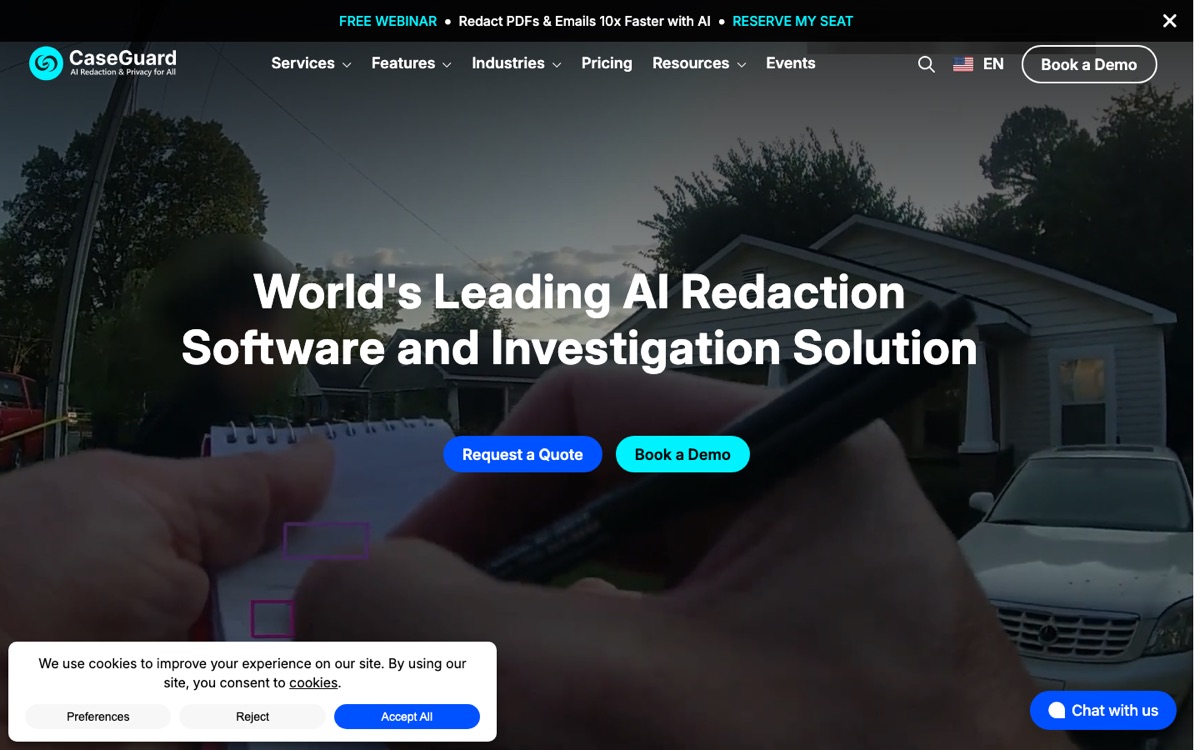
What it is: CaseGuard Studio is a desktop suite known for redaction that also handles transcription and translation for law enforcement video and audio.
Transcript qualityTranscription and translation inside a redaction suite
RMS / DEMS fitExports from one desktop application
TurnaroundAutomated in-app
Strengths
One tool for the records unit. Teams already redacting BWC footage for FOIA can transcribe and translate in the same application, with no second vendor and no second data flow.
In-house control. Processing within your own environment is a clean answer to chain-of-custody questions from counsel.
Evaluation notes
Pricing requires a quote through CaseGuard's pricing request form; there are no public numbers to budget against.
Pricing: Custom, collected via quote.
Heads up
It is a records-unit tool, not a report-writing workflow for patrol. Officers do not get draft narratives out of it.
Good fit for: Agencies with a dedicated records or redaction team processing a steady FOIA queue who want transcription as a bundled capability.
07
Rev
Pay-as-you-go
Good fit for pay-as-you-go AI or human transcripts.
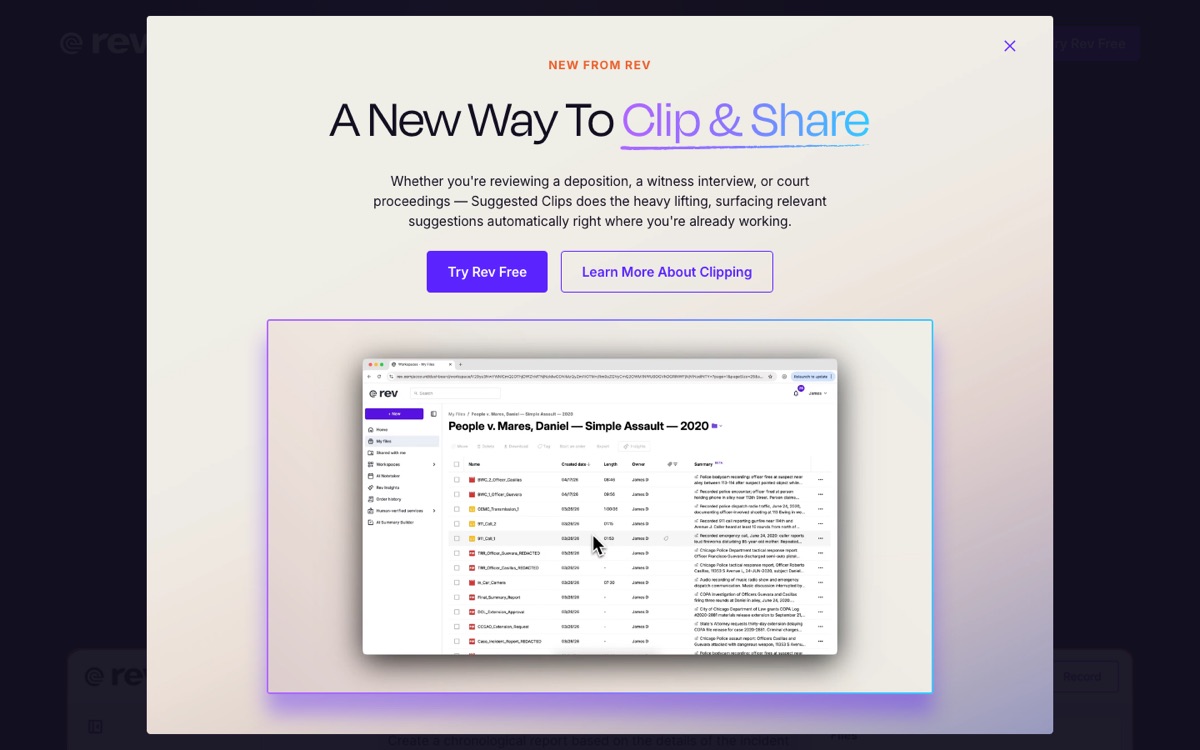
What it is: Rev is a general-purpose transcription service with investigative and legal positioning, offering both AI and human-made transcripts on demand.
Transcript qualityAI and human transcript options
RMS / DEMS fitManual upload and export
TurnaroundAI fast; human service slower
Strengths
Transparent pay-as-you-go pricing. Rev publishes $0.25 per minute for AI transcription and $1.99 per minute for human transcription, a per-minute model rather than the per-user or utilization-based contracts most LE platforms use, so a 45-minute interview costs about $11 or $90, calculable before you upload. Source: Rev pricing page, as published by the vendor, last checked July 2, 2026.
No procurement cycle to start. Upload, pay, download. Subscription options add AI minutes for recurring volume.
Evaluation notes
Rev is not built for law enforcement specifically, so its security documentation is worth a look against what your procurement process needs.
Pricing: $0.25/min AI, $1.99/min human, per Rev's published pricing. Subscriptions available. Source: Rev pricing page, as published by the vendor, last checked July 2, 2026.
Heads up
No DEMS or RMS integration. Agencies should document how files leave the evidence environment, where they are processed, and how the chain-of-custody record is maintained.
Good fit for: Small agencies or units with occasional transcription needs and a policy answer for sending audio to a third-party service.
08
JusticeText
Defense teams
Good fit for public defenders and defense teams reviewing BWC at volume.
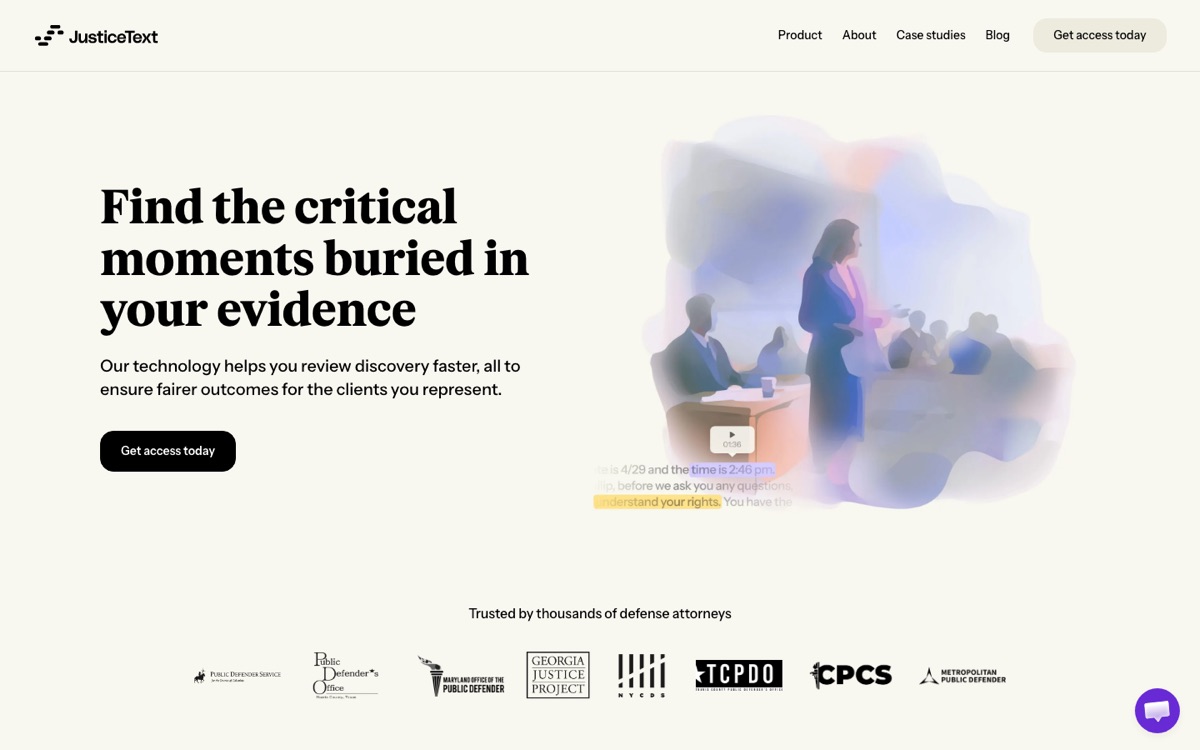
What it is: JusticeText is transcription and video-review software built for the defense side, turning bodycam footage, interrogation video, and jail calls into searchable, annotatable transcripts.
Transcript qualityBWC-focused transcripts with clip and annotation tools
RMS / DEMS fitBuilt for discovery review
TurnaroundAutomated
Strengths
Purpose-built for discovery review. Attorneys search transcripts, clip key moments, and annotate evidence instead of scrubbing hours of footage.
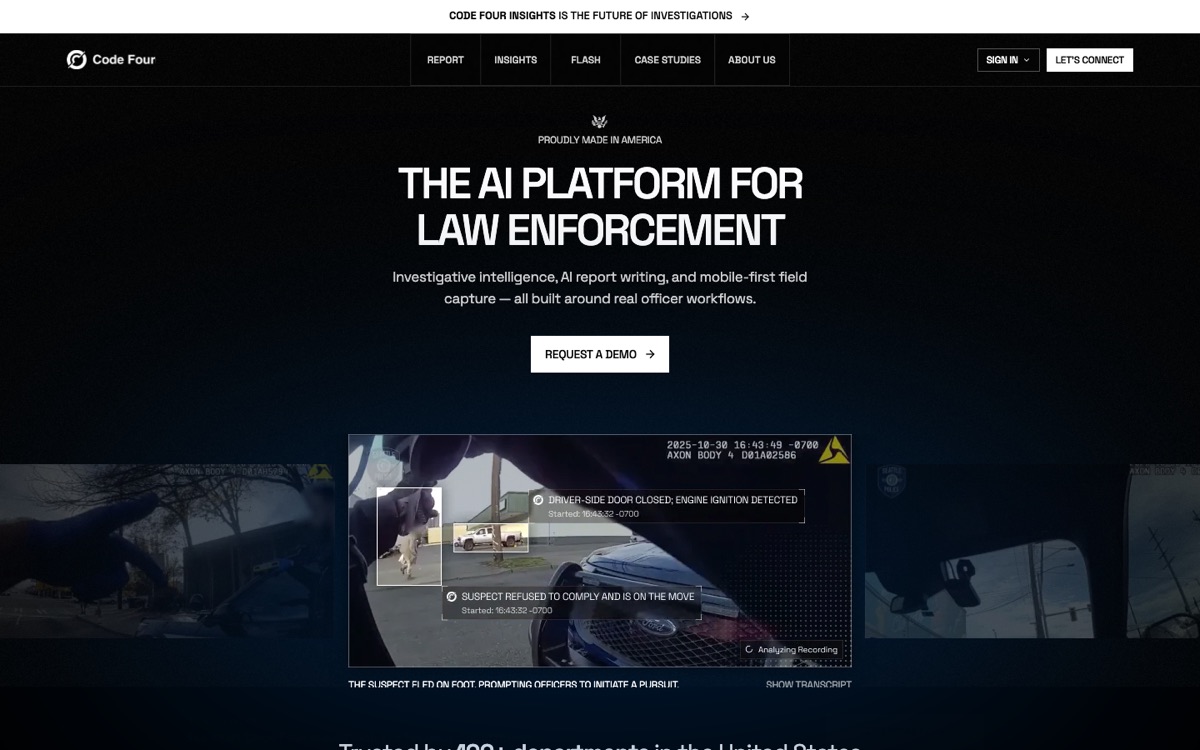
Report-first framing. Like CLIPr, Code Four treats the narrative draft as the product, which matches how patrol actually experiences the paperwork problem.
Platform ambition. The site positions a broader AI toolset for agencies that prefer one platform over point solutions.
Pricing: Custom.
Heads up
Public documentation on integrations, security posture, and pricing is limited. Expect to build your BWC-TRUST score through demos and direct questions rather than published evidence.
Good fit for: Agencies open to a newer vendor and wanting a single platform spanning transcription and report generation, with a normal procurement review to work through.
10
PatrolScribe
Boutique service
Good fit for boutique forensic transcription services.
What it is: PatrolScribe is a forensic transcription provider producing summaries and searchable transcripts as a service rather than a self-serve platform.
Transcript qualityForensic transcription with summaries and searchable transcripts
RMS / DEMS fitService deliverables
TurnaroundService-based
Strengths
Service-level care on difficult audio. A boutique provider can apply human attention to recordings that automated engines may struggle with: overlapping speakers, wind noise, radio chatter.
Low internal lift. No software deployment, no admin console, no training plan.
Evaluation notes
Service models scale by people, not compute. High, recurring BWC volume will strain both turnaround and budget.
Pricing: Custom.
Heads up
As with any external service, your audio leaves the building. Ask how the service documents transfer, retention, deletion, and chain-of-custody handoffs.
Good fit for: Agencies or legal teams with episodic, high-stakes transcription needs (major cases, complex multi-speaker recordings) rather than daily patrol volume.
How to choose (and defend) your pick
Run your shortlist through BWC-TRUST, weight the dimensions for your situation, and the answer usually surfaces on its own. Three worked archetypes show how the weighting changes the outcome.
Archetype 1
Small Axon-standardized agency on an OSP bundle
Weight R: stack fitWeight U: turnaround
Axon Auto-Transcribe scores near the ceiling on R because transcripts never leave Evidence.com, and the OSP7+ Premium inclusion makes the T (cost) score strong.
If the actual goal is report drafts rather than transcripts, run a CLIPr pilot alongside: it reads Axon footage without replacing anything.
Archetype 2
Mixed-stack agency needing translation and redaction
Weight T: translationWeight S: compliance
Weight the first T (transcript quality, specifically translation) and S (compliance posture).
Veritone's 60+ language coverage and CaseGuard's translation-inside-redaction both score well; Veritone fits bigger volume, CaseGuard fits an in-house records team.
Archetype 3
Public defender office reviewing discovery at volume
Weight T: qualityWeight R: discovery fit
Weight transcript quality and R, where R means fit with discovery review rather than an RMS. JusticeText is usually the relevant comparison point because discovery review is its core workflow.
The quick version:
Choose CLIPr ifyou want report drafts out of existing cameras and a pilot before any contract, with a copy-out path into your current RMS.
Choose Axon Auto-Transcribe ifyou are an Axon Evidence agency and transcripts inside your DEMS are the goal.
Choose CommandCentral Assisted Transcription ifyou run Motorola WatchGuard cameras and CommandCentral Evidence.
Choose VIQ FirstDraft ifkey transcripts need a human-verified QA pathway behind the AI draft.
Choose Veritone ifyou need multi-language transcription and redaction at county-plus scale.
Choose CaseGuard ifyour records team wants redaction, transcription, and translation in one in-house UI.
Choose Rev ifyour volume is occasional and pay-as-you-go beats procurement.
Choose JusticeText ifyou are on the defense side reviewing BWC discovery.
Choose Code Four ifyou want a single LE AI platform and are comfortable with a newer vendor's procurement review.
Choose PatrolScribe ifyou need boutique forensic transcription for select cases rather than daily volume.
If report automation is the direction you are leaning, the deeper guide to the AI police report generator category breaks down how draft-generation tools differ from plain transcription.
Implementation pitfalls to avoid
Most failed deployments fail after the purchase, not before it. The recurring mistakes:
Treating the transcript as the evidence. The original recording remains the evidentiary record. Transcripts are working aids; write that into policy on day one so nobody learns it during discovery.
Skipping the reviewer workflow. Every tool on this list produces output an officer or analyst must review and approve. If you do not define who reviews, when, and how edits are logged, accuracy complaints will land on the program instead of the process. A practical walkthrough of this is in the guide on how to automate police reports.
Ignoring export formats. Verify TXT, PDF, SRT, or VTT export against what your RMS, prosecutors, and records requests actually require, before the pilot ends.
Forgetting redaction. Transcripts and recordings still need PII scrubbed before public release. Pair your transcription plan with redaction services for FOIA and public release so the records queue does not become the new bottleneck.
Data handling. Ask each vendor how they document data ownership, retention, deletion, and storage location, and whether a data processing addendum is available. "Cloud-hosted" alone leaves those questions open.
One scoping note: transcription is not the same as bodycam analytics. Platforms like Truleo center on analyzing officer language and professionalism rather than producing report-ready transcripts.
If analytics is the category you are actually shopping, the Truleo alternatives guide covers it.
FAQs
The recording itself remains the primary evidentiary record; transcripts generally function as aids for review, preparation, and reference.
Admissibility rules vary by jurisdiction and judge, so treat transcripts as working documents and let counsel decide how they are used in proceedings.
Treat CJIS as a posture question, not a checkbox. Look for vendors built around CJIS Security Policy alignment, review their security documentation, and check requirements with your state CJIS Systems Agency, IT, and counsel.
A badge is a starting point; the documentation behind it tells the fuller story.
It depends on which of the 10 tools you pick. Axon and Motorola transcribe natively inside their own evidence platforms. Most others, including CLIPr, work camera-agnostically and move output into your RMS through export or copy-out workflows.
Confirm the exact path during a pilot, not after signature.
Rev and CLIPr both publish per-minute reference rates: Rev lists $0.25 per minute for AI and $1.99 per minute for human transcription, while CLIPr lists $0.105 per minute for Searchable Audio and $0.21 per minute for Searchable Video. Both are per-minute models rather than the per-user or utilization-based contracts common elsewhere in the category (source: each vendor's pricing page, as published by the vendor, last checked July 2, 2026).
Axon includes unlimited transcription in OSP7+ Premium bundles, and the rest use custom or utilization-based pricing.
The right pick is rarely the highest-ranked tool in the abstract. It is the tool that scores highest on the BWC-TRUST dimensions your agency actually weights: stack fit for Axon and Motorola shops, translation and redaction for diverse jurisdictions.
Discovery review for defense teams, and report drafting for agencies trying to put officers back in the field.
Small departments still matter in this category.
Departments with fewer than 50 sworn officers make up 88% of US local police departments (table 3 of BJS’s Local Police Departments, 2016: Personnel), and they rarely have spare budget or IT staff for a heavy platform.
Larger city, county, state, and sovereign agencies should score the same tools on architecture control, utilization, language coverage, sovereign deployment controls, and integration path.
For those agencies, a practical next step is a pilot with footage you already have.
The 14-day MDT pilot for small departments requires no dock and no new hardware: drag and drop audio or video from your existing BWC evidence platform and score the drafts against your own reports.
CT
CLIPr Team
AI-assisted public safety documentation
CLIPr turns BodyCam and DashCam audio into AI-assisted police report drafts that officers review, edit, and copy into their RMS.
The platform displays CJIS Security Policy-aware and SOC 2 architecture signals, holds 6 US patents, and provides ownership, retention, and deletion terms for review during procurement.
Get report drafts, not just transcripts, with CLIPr
Run CLIPr with your own bodycam footage. Free 30 to 90 day pilot for up to 50 officers, no credit card required, subject to approval.