11 Legal Transcription Software Options for Court Reporting, Digital Evidence, and Investigations in 2026
11 transcription platforms scored with the L-TRACE rubric across certification, legal exports, chain of custody, accuracy, security, and workflow fit, with sourced pricing for every tool.
C
CLIPr TeamAI-assisted police reports from bodycam audio
If you run litigation support, manage a practice, or produce transcripts for a court reporting agency, speed and low cost are not enough. The legal questions start once a transcript is relied on.
Many "best transcription software" lists rank meeting apps. Legal teams need certification paths, court-ready exports, and audit trails for challenges.They also underweight interviews, interview-room video, and bodycam footage, where the useful deliverable is a speaker-attributed, timestamped record checked against the source.
This guide evaluates 11 tools against the L-TRACE rubric.By the end, you should be able to shortlist 1 or 2 tools and explain the choice.CLIPr is one tool in the table, so the scoring states where it fits and where it does not.
11legal transcription tools scored
6weighted L-TRACE criteria
25%top weight for court-record buyers: certification path and human review
How We Evaluated Legal Transcription Software (the L-TRACE Matrix)
Legal-ready is more than accurate text. A transcript that cannot be certified, exported correctly, or reviewed against the source recording may not be usable when the record is challenged.
L-TRACE scores each tool on six weighted criteria. The weights reflect issues that commonly create procurement or courtroom risk, not what looks good on a feature page.
One disclosure up front. Court-reporting buyers and digital-evidence buyers are two different lanes. A certified deposition producer and an investigative-evidence platform are rarely the same tool, so ranks in this guide are scoped to the buyer profile named in each row, not read as a single overall leaderboard. For a court-certified deposition or hearing transcript, criterion 1 is decisive and Verbit or VIQ Solutions lead. CLIPr is ranked first for the separate digital-evidence lane: bodycam, dashcam, and interview-room recordings where searchable, speaker-attributed records and first-draft reports matter more than certification.
Certification path and human review25%
Good looks like a documented route from AI draft to a human-reviewed or certified transcript inside the same workflow. Agencies and firms should verify any claim that AI output alone is ready for court use.
Legal exports and formatting20%
Good looks like deposition and court transcript conventions: page-line numbering, condensed and full-size layouts, certificate pages, and formats like ASCII, PTX, or LEF alongside PDF. Generic DOCX-only export may require extra formatting work.
Chain of custody and audit logs15%
Good looks like retained source audio linked to the final text, plus a way to show review history. Where a tool does not surface full edit, version, and access logs itself, teams can document review history in their own process.
Accuracy stack15%
Good looks like AI plus a human review layer, reliable speaker diarization, and timestamps. AI-only output can still score here if diarization and timecodes are strong, but review expectations should be clear.
Security and compliance signals15%
Good looks like SOC 2 attestation, encryption, and data-control commitments. HIPAA eligibility matters only when protected health information appears in your recordings.
Workflow fit and integrations10%
Good looks like clean handoff into the systems you already use: document management, case management, evidence platforms, or an API when you are building in-house.
The rubric in action
Verbit scores well on criterion 1 because certified Final Transcripts are a core product, while its custom pricing requires a sales conversation.
VIQ Solutions scores well on criteria 2 and 3 because its pipeline was built for court transcript production, with procurement handled through a sales-led process.
Certified Transcript vs. AI Draft: When a Human Is Required
This distinction shapes the shortlist, so define it before comparing tools.
AI draft
Machine-generated text. It is excellent for case prep, deposition summaries, searching long recordings, and internal review. It is not a certified record.
Certified transcript
Carries a human attestation of accuracy, and many official court records need to be produced or certified by a licensed court reporter or qualified transcriber.
If a transcript will be filed, served, or used as the official record, plan for human certification and check your local court rules.
The practical rule
Use AI drafts for speed, escalate to human-certified transcripts for anything that touches the record.
A Quick Compliance Glossary for Law Firms
SOC 2
An independent audit of a vendor's security controls. A common trust signal for tools touching privileged material.
HIPAA
Relevant when recordings contain protected health information, such as medical malpractice or personal injury files. A law firm with no PHI may not need a HIPAA add-on.
Audit logs
Records of who touched a transcript, when, and what changed. Useful evidence for chain-of-custody review.
Legal exports
The transcript formats courts and litigation tools expect, including ASCII, PTX, LEF, and certified PDF layouts.
PII redaction
Automated identification and removal of names, numbers, and identifiers before a transcript is shared or released.
TL;DR: The L-TRACE Snapshot of All 11 Tools
#
Product
Certification path
Legal exports
Audit trail
Accuracy mode
Security note
Starting price
01
CLIPr Best for digital evidence
Review-and-edit drafts; not a certified-transcript producer
First-draft investigation reports into RMS and evidence systems
Speaker-attributed, timestamped record tied to the source recording
$10/hour pay-as-you-go (utilization-based), plus Core/Advanced/Pro subscription tiers (Source: sonix.ai/pricing - last checked July 2, 2026)
06
Rev
Yes, AI-to-human upgrade path
General exports, legal-oriented services
Standard SaaS controls
AI + human on demand
Established human service
Human transcripts $1.99/min regular (per-minute usage-based); subscription discounts (as published by the vendor - last checked July 2, 2026)
07
Otter.ai
No
Meeting-style exports
Team admin controls
AI-only
HIPAA add-on at Enterprise
Pro $16.99/user/mo monthly (per-user subscription) (Source: otter.ai/pricing - last checked July 2, 2026)
08
Philips SpeechLive
Human transcription service
Dictation-centric output
Dictation workflow controls
Speech recognition + human service
Dictation ecosystem vendor
Subscription plans plus human transcription $1.39/min, English single-speaker (per-minute usage-based) (as published by the vendor - last checked July 2, 2026)
09
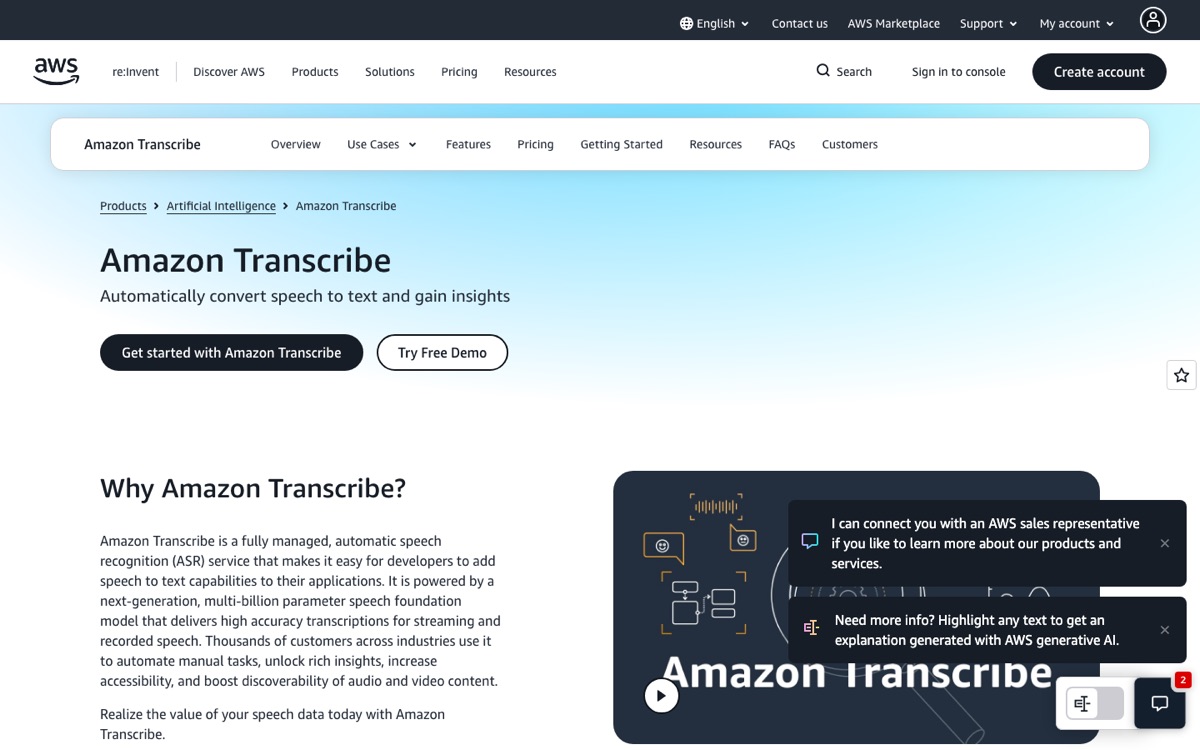
Amazon Transcribe
No, build your own
None, raw API output
You build it
AI (developer API)
PII redaction, custom vocabulary
$0.006/min batch Tier 1, US East (usage-based, per-second billing) (Source: aws.amazon.com/transcribe/pricing - last checked July 2, 2026)
10
Dragon Legal
No, dictation tool
Dictates into your documents
Document-level only
Speech recognition (single speaker)
Legal vocabulary built in
See Nuance shop
11
Express Scribe
Human transcription utility
Whatever your team produces
Manual process
Human typing with pedal control
Supports encrypted dictation formats
Low-cost license (NCH Software)
Pricing verified June 2026; custom quotes flagged where vendors publish no rate card.
The L-TRACE checklist to bring to every demo
Must-have
A documented path to human-certified output, or a clear internal policy for when you will outsource certification
A record of who changed a transcript and when, from the tool or from your documented process
Speaker diarization and timestamps on every transcript
A SOC 2 (or equivalent) security posture appropriate to your data
Nice-to-have
Legal export formats (ASCII, PTX, LEF) if you produce filings in-house
HIPAA eligibility when PHI appears in your matters
API or DMS integration for volume workflows
The 11 Best Legal Transcription Software Options in 2026
01
CLIPr
Best for digital evidence
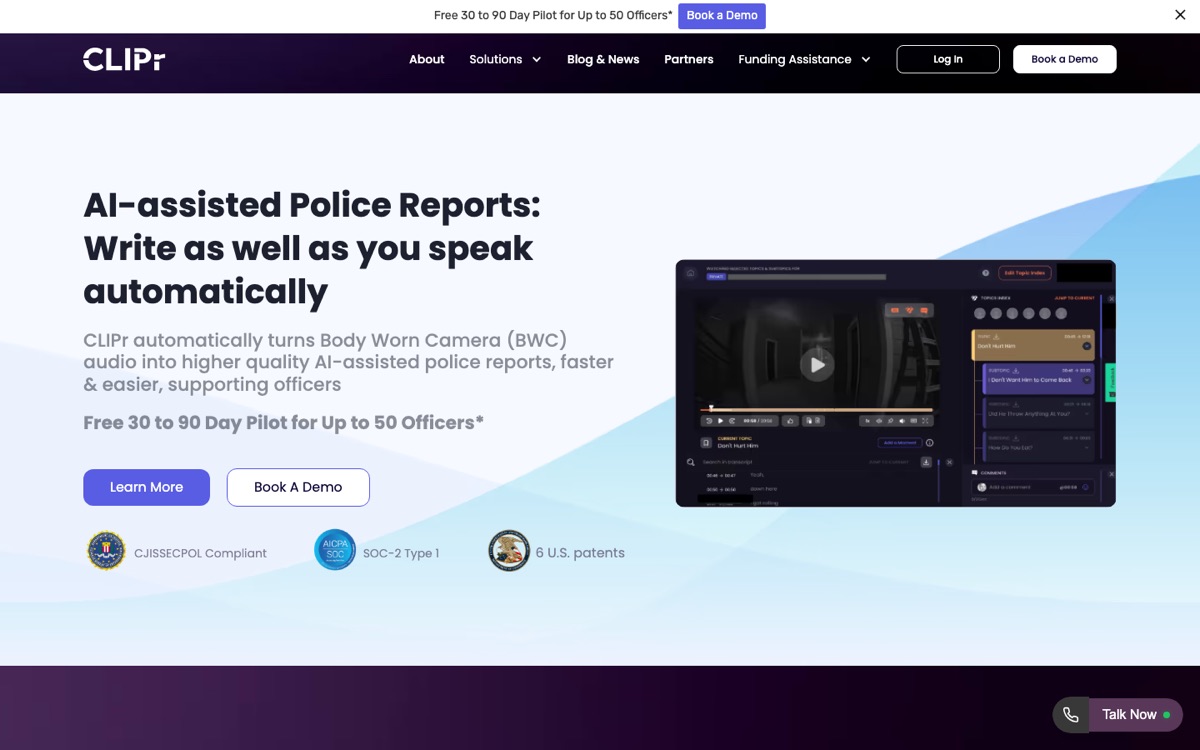
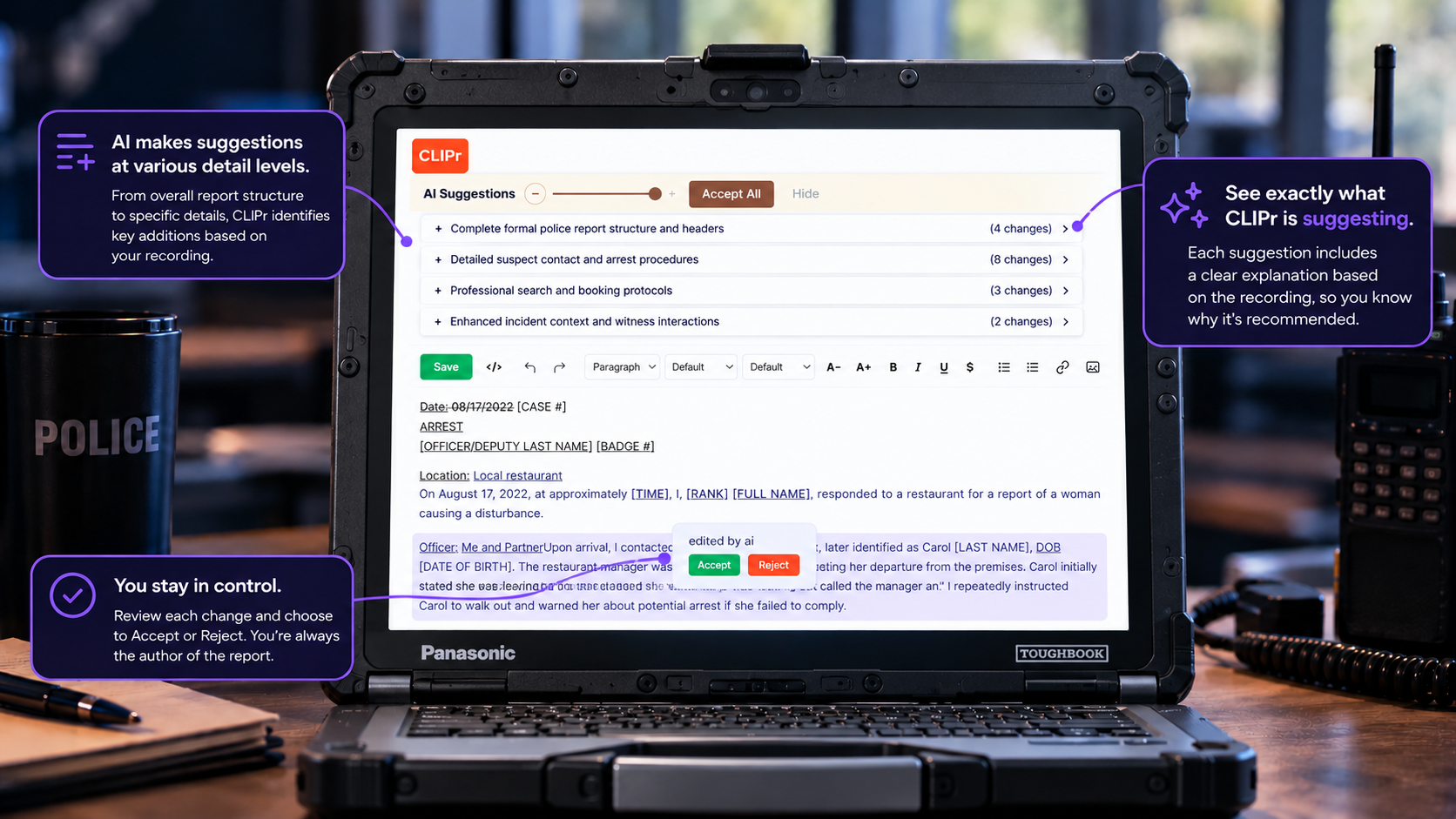
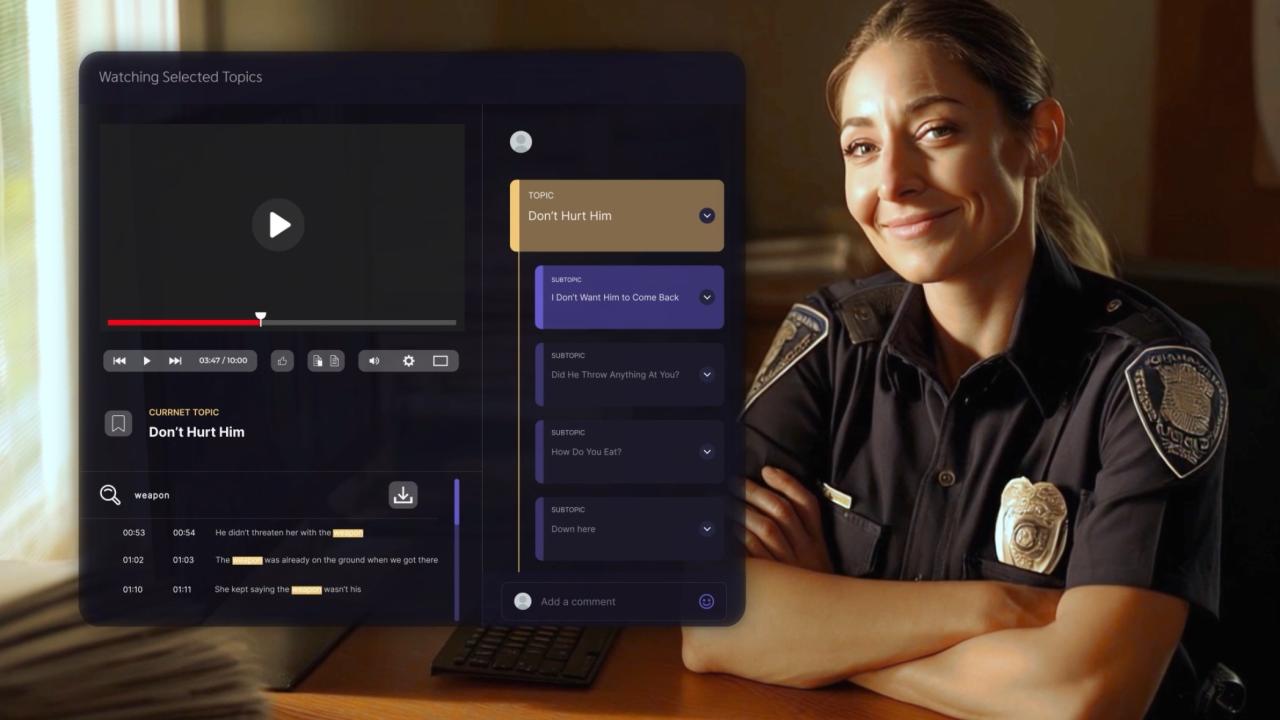
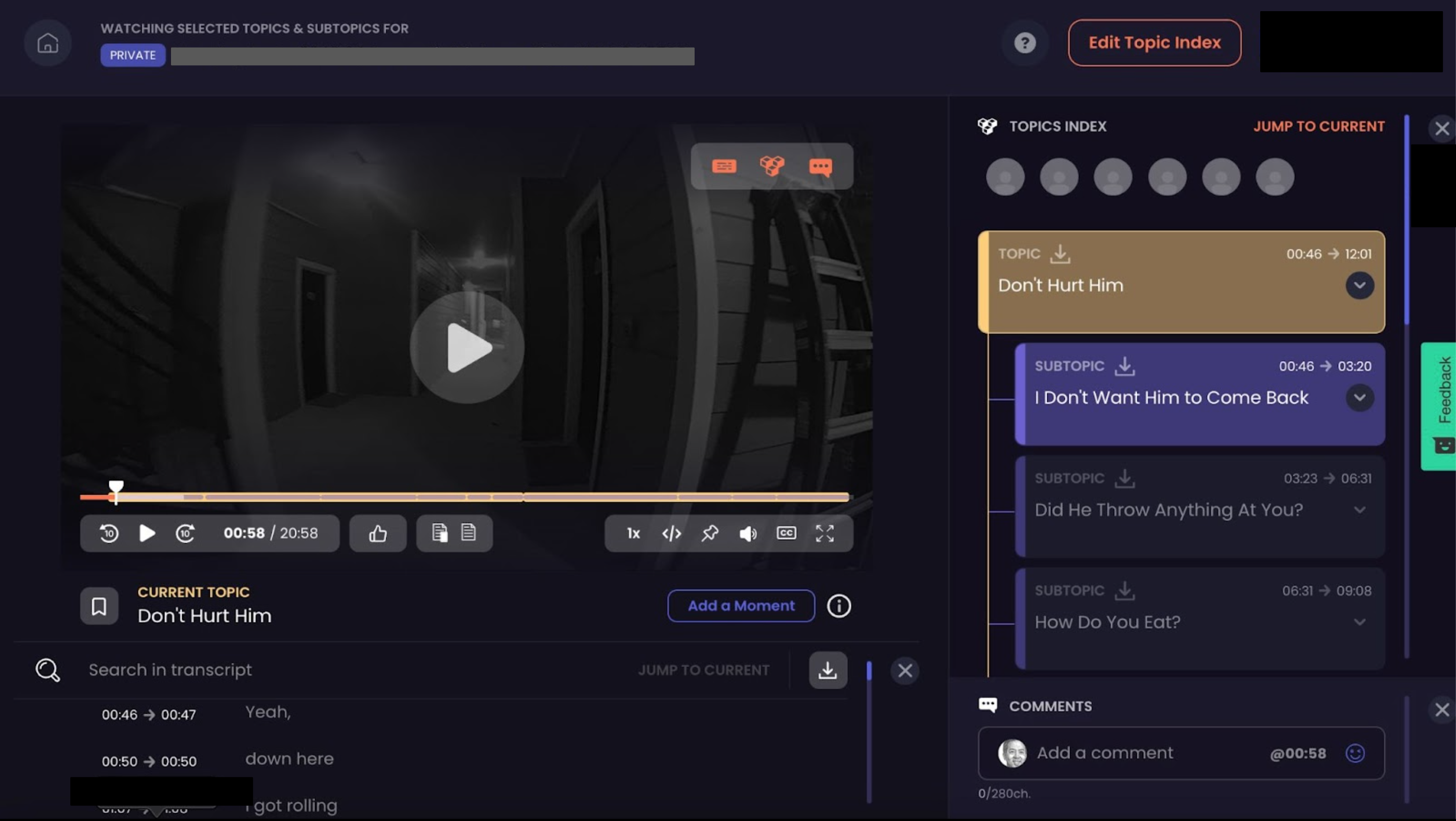
An AI video and audio intelligence platform that turns bodycam, dashcam, and interview-room recordings into speaker-identified, timestamped, searchable transcripts and first-draft investigation reports.
For legal teams, the job is not transcription for its own sake. CLIPr turns bodycam, dashcam, and interview-room recordings into speaker-identified, timestamped, searchable evidence that can be checked against the source audio.
It is strongest when officers, detectives, and downstream attorneys need reviewable records from recorded evidence, not a certified court transcript. The practical takeaway: use CLIPr for evidence search and first-draft investigation reports; use certified transcript vendors when certification is the primary requirement.
Best forPolice departments, detectives, and the legal teams downstream of them whose evidence lives in bodycam footage and interview-room recordings rather than depositions.
Pilot / trialFree 30 day pilot for up to 50 detectives. No credit card required, subject to approval.
IntegrationsRMS and evidence management platforms, without rip-and-replace.
Strengths
Recorded-evidence accuracy support (L-TRACE criterion 4). Speaker-identified transcripts with timestamps on every recording, plus summaries and flagged key moments, so a disputed line can be checked against the relevant audio or video.
Searchability built for case work. Q&A search mode, topic clusters, and keyword search help detectives and attorneys review long interview-room or bodycam recordings without reading from start to finish.
It carries the transcript into the case file (L-TRACE criterion 6). CLIPr generates first-draft investigation reports from interview-room audio and video, and it can fit around existing RMS and evidence management workflows without rip-and-replace.
Security and procurement posture (L-TRACE criterion 5). CLIPr is designed around CJIS Security Policy alignment and a SOC 2 security posture. Confirm controls, documentation, ownership, retention, and deletion terms in writing during procurement.
One boundary worth stating plainly: CLIPr is not a certified court transcript producer. If your primary requirement is court certification, evaluate Verbit or VIQ Solutions first.
If your primary requirement is evidence ingestion, searchability, and investigative report-drafting from bodycam, dashcam, or interview-room recordings, CLIPr is most relevant.
Pricing: Searchable Audio is $0.105/min and Searchable Video is $0.21/min; investigation teams can start with a free pilot, no credit card required, subject to approval.
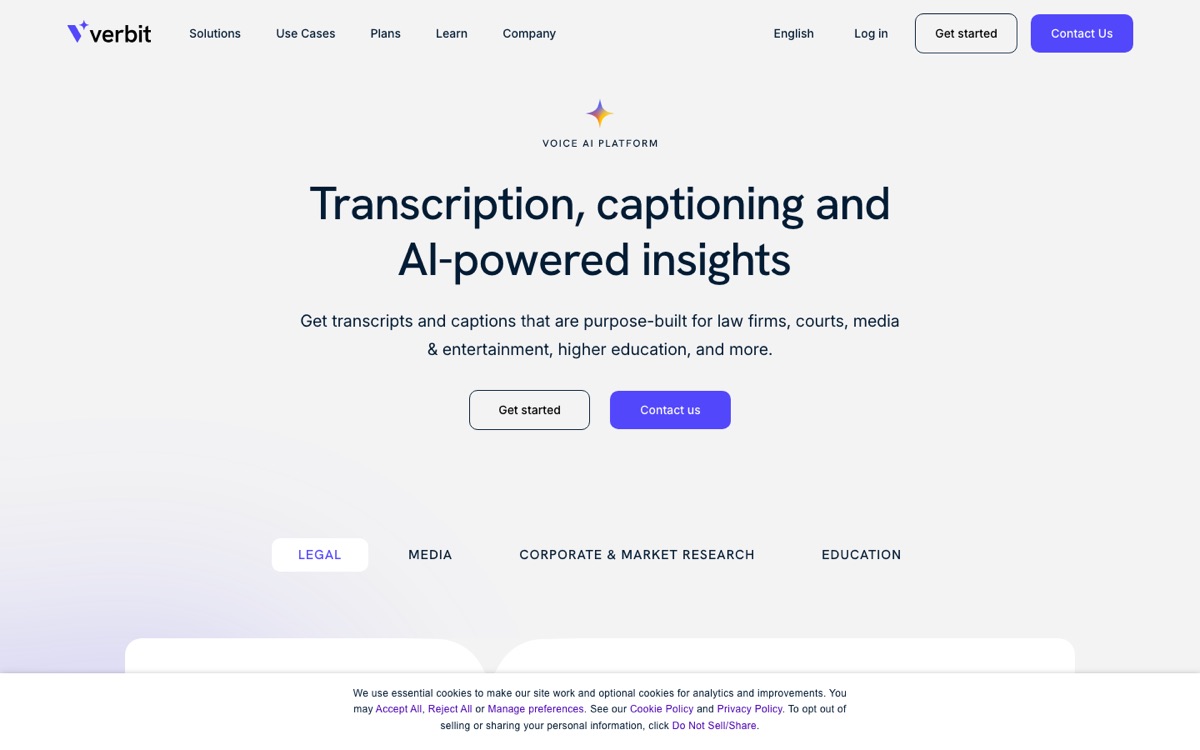
A legal-first transcription platform combining legal-trained AI speech recognition with certified human transcribers for depositions, hearings, and trials.
Best forCourt reporting agencies and litigation teams that run depositions regularly and need certified output from the same vendor that produces the draft.
Strengths
Clear certified-transcript path (L-TRACE criterion 1). Verbit's legal product line is built around delivering certified "Final Transcripts," not just AI drafts.
Real-time deposition coverage. Legal Capture provides live transcription during proceedings, and the company launched Legal Visor in 2025, an AI tool for real-time deposition insights developed with design partners at Legalweek.
Purpose-built legal workflows rather than a general meeting-transcription workflow.
Procurement considerations
No public pricing. Every serious evaluation requires a sales conversation.
Product information is spread across multiple marketing pages, so scoping the exact service may require extra discovery.
Pricing: Custom. Contact sales for a package.
03
VIQ Solutions
Best for court systems
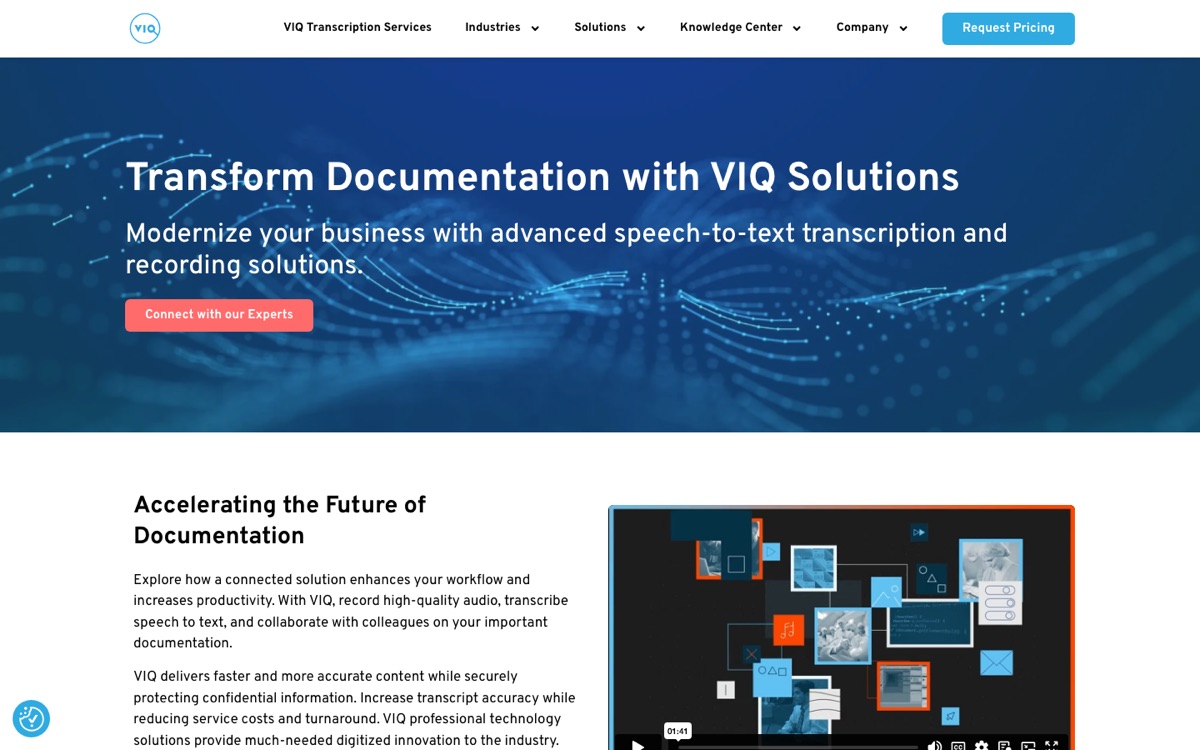
A two-part production pipeline: FirstDraft turns digital recordings into AI drafts, and NetScribe provides the editing and transcript production environment.
65,000+courtrooms worldwide where VIQ says NetScribe is trusted. Vendor claim, quoted from VIQ Solutions.
Best forCourts, government transcription units, and agencies producing official transcripts at volume.
Strengths
Court-system experience. VIQ states NetScribe is "trusted in more than 65,000 courtrooms worldwide," which speaks directly to L-TRACE criteria 2 and 3: exports and chain-of-custody workflows for official records.
A structured hybrid pipeline. AI drafting plus structured human editing matches how many legal teams manage review, and VIQ productized that workflow rather than treating review as a generic add-on.
Procurement considerations
No public price card. Pricing requires a sales contact, except where public procurement documents surface numbers.
This is infrastructure for transcript producers. A three-attorney firm that needs occasional interview transcripts may find it more system than it needs.
Pricing: Custom, and utilization-based rather than per-user. As a public reference point only, a Maricopa County procurement document lists a FirstDraft/NetScribe Enterprise Plus solution at $800/month for over 50 users. Treat that as one negotiated example, not a rate card. (Source: Maricopa County procurement document - last checked July 2, 2026)
04
Stenograph MAXScribe
Best for court reporters
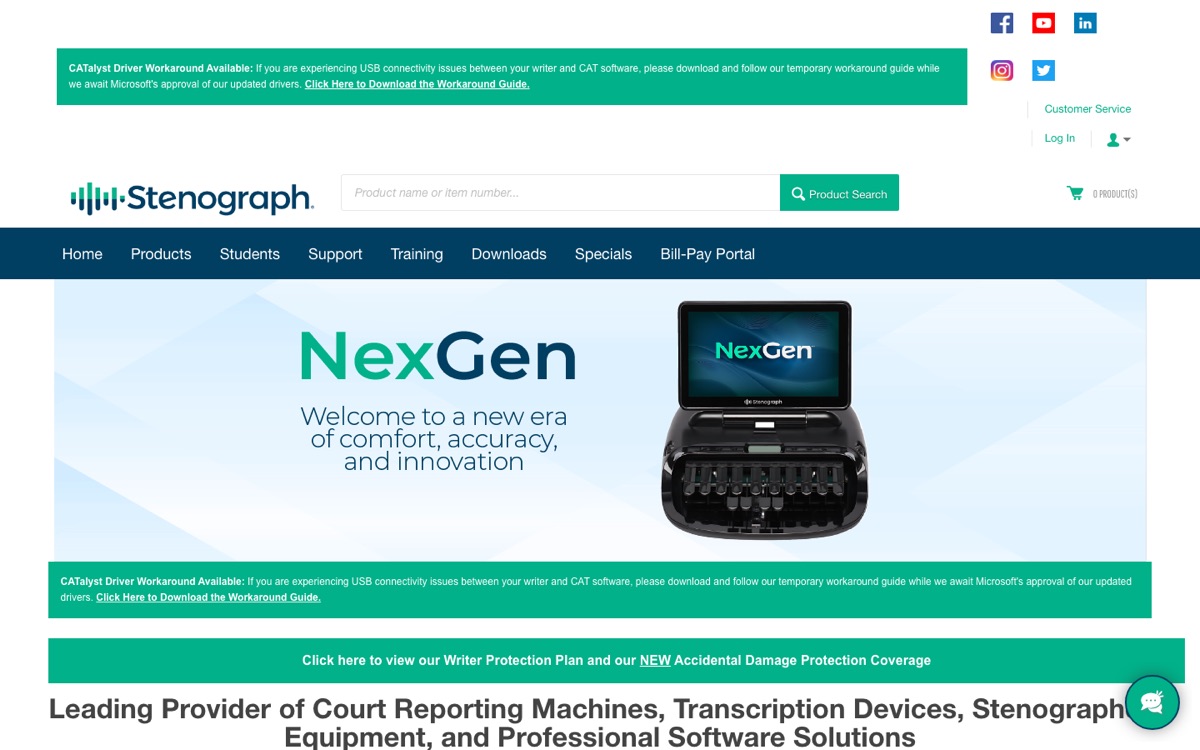
Digital court reporting software from Stenograph that pairs the company's Phoenix speech recognition engine with transcript editing, realtime text streaming, and deposition workflows.
Best forDigital court reporters and reporting firms modernizing from steno-only workflows while keeping full control of transcript production.
Strengths
Built for the official record. MAXScribe exists to produce legal transcripts, so formatting, editing, and production needs that general tools may not cover are the core product (L-TRACE criterion 2).
Realtime streaming and deposition integrations, including the CaseTestify integration for remote proceedings.
Procurement considerations
Sales-led pricing with no public numbers.
Teams should expect court reporting workflow knowledge and training time.
Pricing: Custom. Contact Stenograph.
05
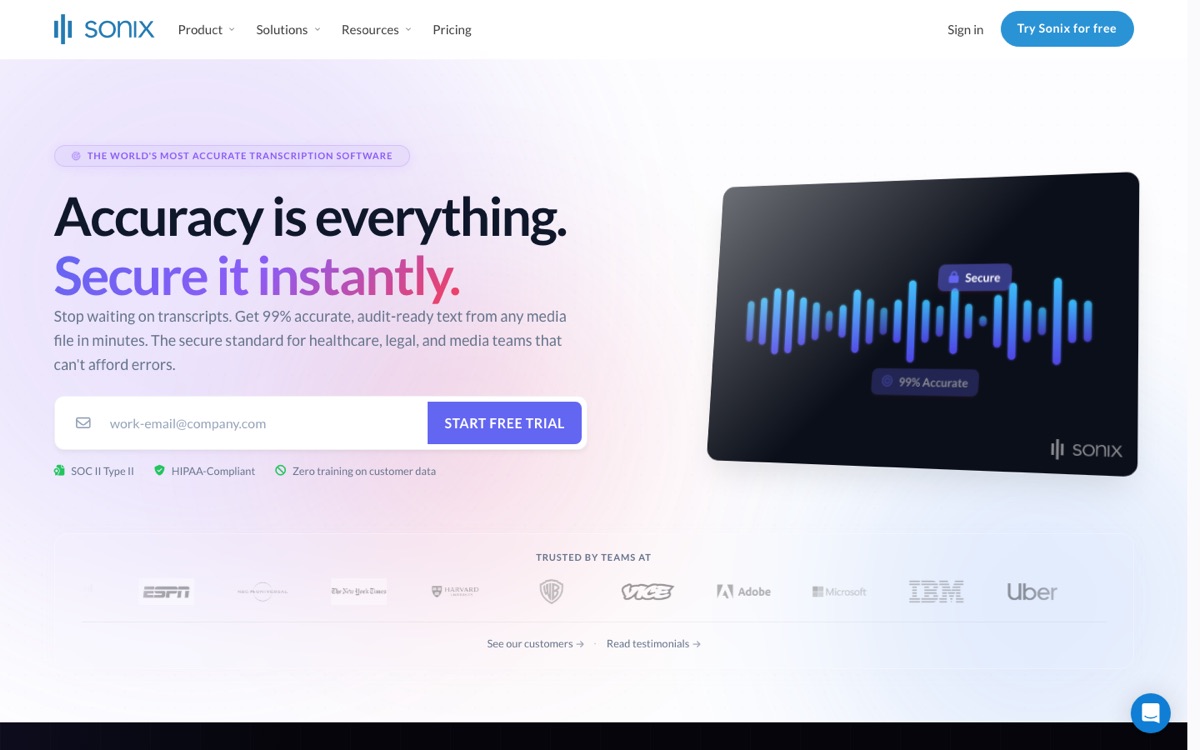
Sonix
Best transparent pricing
A general-purpose AI transcription platform with a legal industry focus and published compliance posture, used for fast drafts of interviews, hearing recordings, and case prep material.
Best forSmall and mid-size firms that need fast, affordable AI drafts for case prep and can route the occasional certified job to a human service.
Strengths
Transparent SaaS pricing. Pay-as-you-go transcription at $10 per hour of audio, a utilization-based model, with Core, Advanced, and Pro subscription tiers for regular volume. Budgeting can start from published rates. (Source: sonix.ai/pricing - last checked July 2, 2026)
Published security and compliance signals. The pricing page calls out SOC 2 Type 2 and HIPAA, which helps teams evaluate L-TRACE criterion 5 for many law firm uses.
Procurement considerations
AI-first with no certified transcript path. Anything court-bound needs human QA layered on top.
Exports are general-purpose, not deposition-format transcripts with page-line conventions.
Pricing: $10/hour pay-as-you-go (utilization-based); Core/Advanced/Pro subscription tiers published. (Source: sonix.ai/pricing - last checked July 2, 2026)
06
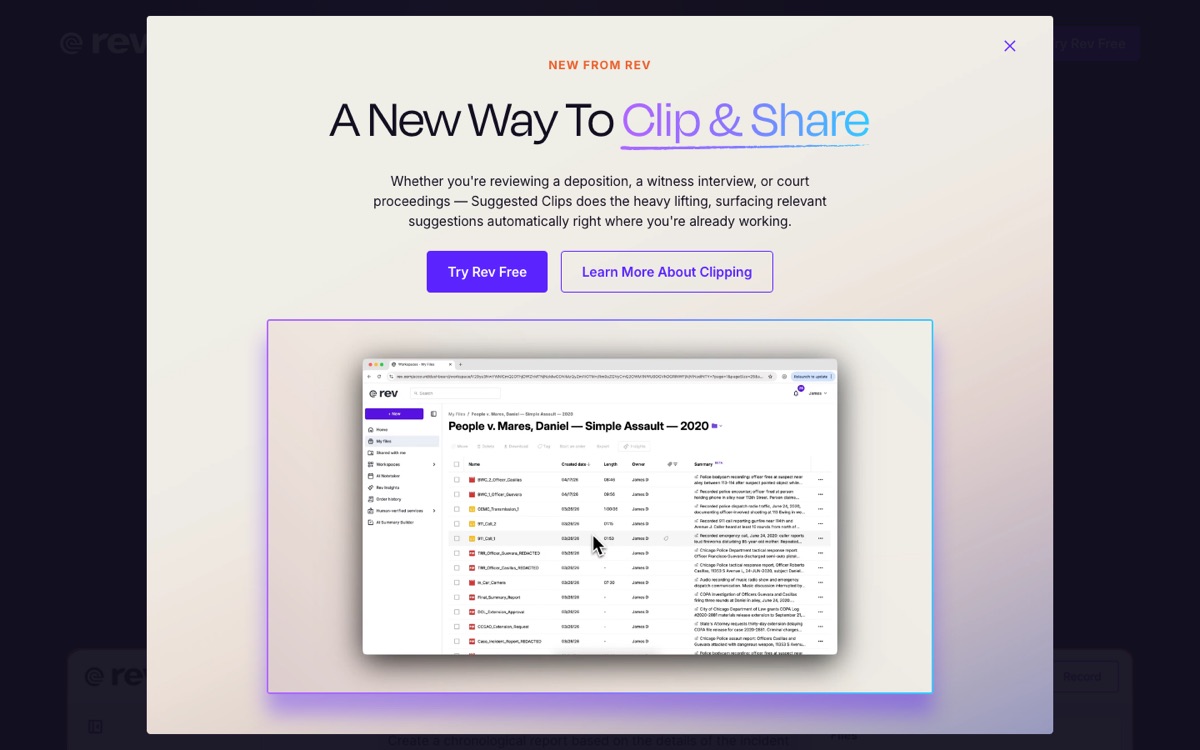
Rev
Best AI-to-human path
A transcription service offering both AI transcripts and on-demand human transcription, with legal-oriented service pages and subscription discounts.
Best forFirms with unpredictable transcript volume that want a single account covering quick AI drafts and human-grade output without enterprise procurement.
Strengths
One vendor, two accuracy modes. Start with lower-cost AI drafts, then order human transcription on the same file when a matter escalates. That maps cleanly to L-TRACE criterion 4.
Published human pricing. Rev's reference price for human transcription is $1.99 per minute at the regular rate, a per-minute usage-based model, with discounts on subscription plans. Rev's legal materials also describe a "Ready to Certify" workflow for transcripts headed toward formal use. (as published by the vendor - last checked July 2, 2026)
Procurement considerations
Certified and expedited workflows can cost materially more than the headline per-minute rate.
AI transcript pricing varies by subscription plan, and pricing cards have changed over time, so confirm current numbers before committing volume.
Pricing: Human transcription $1.99/min regular rate (per-minute usage-based); subscription discounts available. (as published by the vendor - last checked July 2, 2026)
07
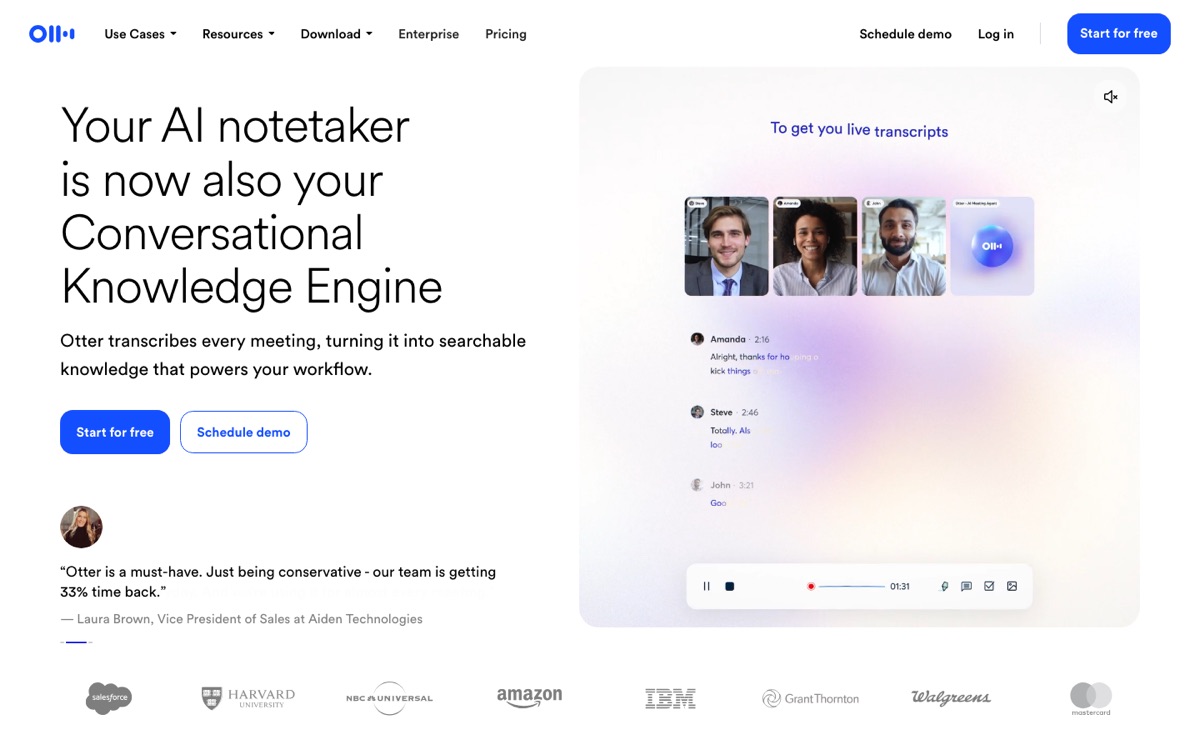
Otter.ai
Best for internal meetings
A meeting transcription tool with per-seat plans, used by legal teams for internal meetings, client calls, and working notes rather than official transcripts.
Best forLegal ops and practice teams transcribing internal meetings and client calls, not teams preparing filed transcripts.
Strengths
Transparent per-seat pricing with clear minute limits. Pro runs $16.99 per user per month on monthly billing, with Business between $19.99 per user per month on annual billing and $30 on monthly billing. This is a per-user model, not utilization-based. (Source: otter.ai/pricing - last checked July 2, 2026)
Enterprise controls where they matter, including a HIPAA compliance add-on at the Enterprise tier for teams whose calls may touch PHI.
Procurement considerations
Meeting-first, not legal-first. Agencies and firms should verify certification path, legal export formats, and court transcript formatting before using it beyond working notes.
Minute limits and import caps may constrain heavy users.
Pricing: Pro $16.99/user/month monthly; Business $19.99/user/month annual to $30 monthly (per-user); HIPAA add-on at Enterprise. (Source: otter.ai/pricing - last checked July 2, 2026)
08
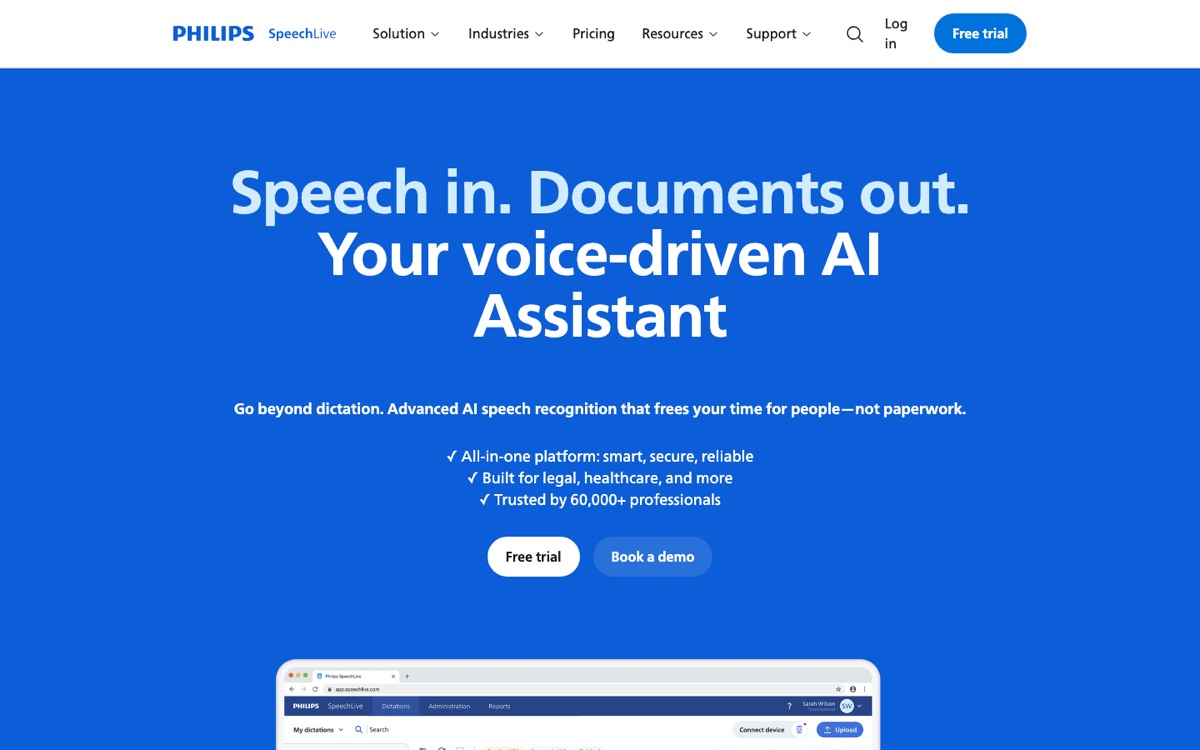
Philips SpeechLive
Best for dictation practices
A cloud dictation workflow from the Philips dictation ecosystem, with an optional speech recognition add-on and a human transcription service priced per minute.
Best forPractices built around attorney dictation (letters, memos, file notes) where the assistant workflow matters more than courtroom formatting.
Strengths
Published, current pricing. The US pricing page lists plan prices and human transcription at $1.39 per minute for English single-speaker audio, a per-minute usage-based rate, with upcharges for multiple speakers. (as published by the vendor - last checked July 2, 2026)
A mature dictation ecosystem. Foot pedals, dictation hardware, and attorney-and-assistant workflows that many practices already run on.
Procurement considerations
Legal transcript exports and certification paths are not the focus. This is a dictation product, not a court transcript producer.
Per-minute human transcription adds up quickly at deposition-level volume.
Pricing: Subscription plans published; human transcription from $1.39/min, English single-speaker (per-minute usage-based). (as published by the vendor - last checked July 2, 2026)
09
Amazon Transcribe
Best for in-house builds
Amazon's developer speech-to-text API, used by legal IT and litigation technology teams to build transcription into case systems, evidence platforms, or internal review tools.
Best forFirms and legal tech teams with developer capacity that need transcription embedded inside their own systems at scale.
Strengths
Published usage-based pricing. Standard batch Tier 1 pricing runs $0.006 per minute in US East (streaming Tier 1 is $0.01 per minute), billed per second with a 15-second minimum. (Source: aws.amazon.com/transcribe/pricing - last checked July 2, 2026)
Developer-facing privacy controls, including PII redaction and custom vocabulary for case-specific terminology (L-TRACE criterion 5). For PHI workloads, Transcribe Medical is HIPAA-eligible with PHI identification features.
Procurement considerations
It is an API, not a tool. No legal formatting, no certification path, no interface. You own the entire chain-of-custody and audit-log buildout.
Total cost of ownership includes engineering time, which can exceed the per-minute rate for small teams.
Pricing: Pay-per-use (usage-based); example $0.006/min batch Tier 1, US East. (Source: aws.amazon.com/transcribe/pricing - last checked July 2, 2026)
10
Dragon Legal / Dragon Legal Anywhere
Best for attorney dictation
Nuance's legal edition of Dragon speech recognition, built for attorneys dictating directly into documents with legal-specialized vocabulary and automation macros.
Best forIndividual attorneys and small practices replacing typed drafting with dictation, not teams transcribing multi-speaker proceedings.
Strengths
Legal vocabulary out of the box. Citations, Latin terms, and contract language that general dictation tools may miss are handled by a legal-trained model.
Macros and voice commands that automate repetitive drafting, which is where dictation actually saves attorney hours.
Procurement considerations
Single-speaker dictation only. It does not transcribe recordings of depositions, hearings, or interviews.
Dragon Legal v16 is Windows-only. Teams outside Windows need the cloud-based Dragon Legal Anywhere instead.
Pricing: Listed on the Nuance shop; check current license terms for v16 versus Legal Anywhere.
11
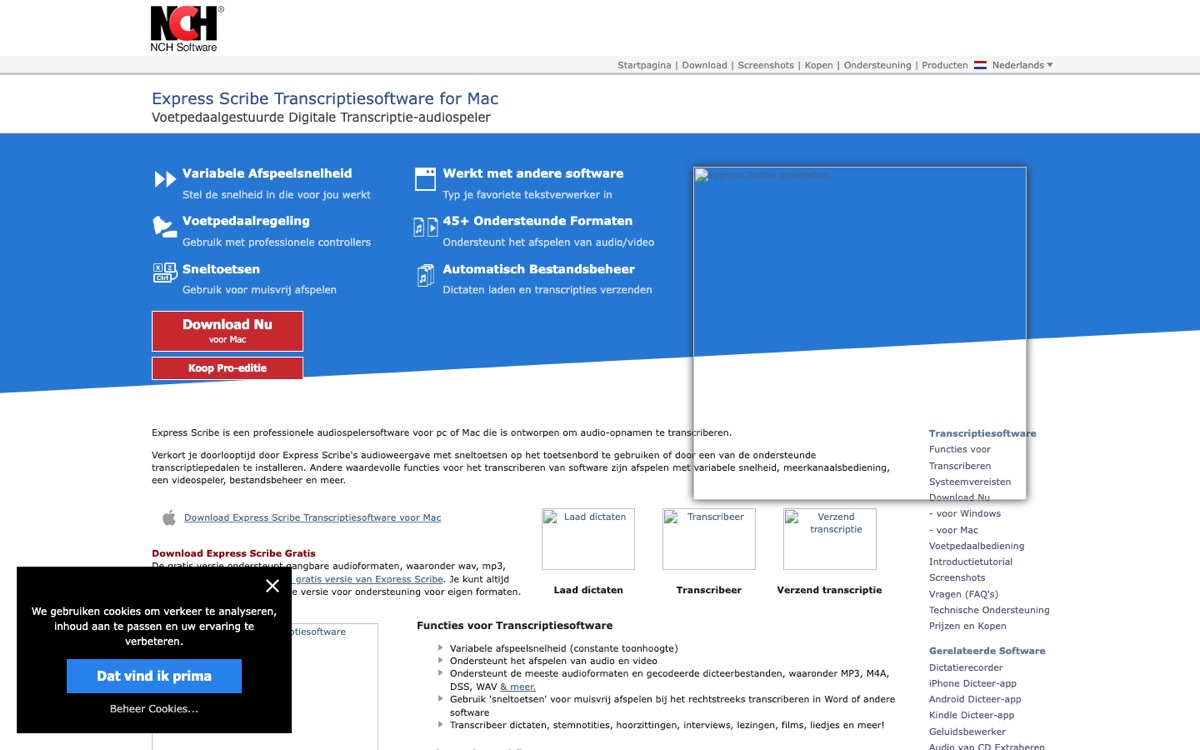
Express Scribe
Best for transcriptionists
A professional audio playback utility from NCH Software that gives human transcriptionists foot-pedal and hotkey control over playback speed, rewind, and navigation.
Best forProfessional transcriptionists and firms with in-house typing capacity who pair human accuracy with a minimal software budget.
Strengths
A common utility for manual legal transcription. If a human is typing the transcript, this is the tool controlling the audio.
Supports encrypted dictation formats, which matters when attorneys send sensitive dictation files out for typing.
Procurement considerations
No AI, no automation. Output speed is human typing speed.
Logs, versioning, formatting, and review controls live outside the tool, in your process.
Pricing: Low-cost license; current pricing on the NCH Software site.
Which Legal Transcription Software Should You Choose?
The practical answer depends on what happens to the transcript after it exists. Here is the decision framework.
Choose CLIPr if your evidence lives in recorded audio and video: bodycam footage, dashcam recordings, and interview-room sessions. Speaker attribution, searchability, and a first-draft report into your RMS matter more there than court export formats.
Choose Verbit or VIQ Solutions if you produce transcripts for the official record at volume. Court reporting agencies and court systems need the certification path and production pipeline, and sales-led pricing is part of procurement.
Choose Stenograph MAXScribe if you are a digital court reporter who wants ASR speed without giving up control of transcript production.
Choose Sonix or Rev if you are a small-to-mid firm doing depositions and interviews regularly. Sonix for transparent AI drafting at $10/hour, Rev when you want the same vendor to upgrade a file to human accuracy on demand.
Choose Otter.ai or Philips SpeechLive if your real need is internal meetings or attorney dictation, and official transcripts are someone else's job. Treat meeting tools as working-note tools, not court transcript systems.
Choose Amazon Transcribe if you have legal IT or developers and need transcription inside your own case systems. Budget for the build, not just the per-minute rate.
The split running through every row of this framework is the same one the rankings reflect.
Deposition-and-filing work runs on certified transcripts; investigation work runs on recorded evidence, where speaker attribution, timestamps, and searchability help teams review what was said.
That second job is where CLIPr is most relevant, while certified-transcript producers carry the first.
Implementation Tips That Keep Transcripts Defensible
Buying the right tool is half the job. These habits protect the other half.
Capture better audio before blaming the AI. Crosstalk, distant microphones, and phone-speaker recordings are the leading cause of bad transcripts. One microphone per speaker where possible, and test the setup before any interview that matters.
Verify diarization on every multi-speaker file. Speaker misattribution is a high-risk transcript error in legal work, because the text reads clean while assigning words to the wrong person.
Spot-check speaker labels against the audio at several points.
Keep timecodes on. Timestamps let reviewers trace a disputed line back to the relevant moment in the recording. They add little overhead and make review easier.
Preserve the original audio. The recording is the evidence; the transcript is a derivative. Store the source file unmodified, and make sure your tool links the final text back to it.
Log every edit. Use tools with version history where you can, and a documented review procedure where you cannot. Who edited, what changed, and when should be answerable for any transcript that might be challenged.
Standardize your templates. Consistent formatting across matters makes review faster and errors more visible.
Teams that turn transcripts into formal documents downstream can borrow structure from police report writing software workflows, where transcript-to-report conversion is central to the workflow, and from police report writing examples that show what a well-structured narrative built on a transcript looks like.
Escalate to human certification on a clear trigger. Define in advance which outputs must be human-certified: anything filed, served, or quoted in a motion.
The hybrid AI-plus-human pattern is common in regulated fields, including the parallel debate around AI in law enforcement, and legal transcription should be evaluated with the same caution.
FAQs
An AI transcript by itself is generally not a certified record. Admissibility depends on jurisdiction, authentication, and how the transcript will be used.
For official records, many courts require transcripts produced or certified by a licensed court reporter or qualified transcriber. Use AI drafts for case prep and review; plan on human certification for anything filed or served.
For depositions and proceedings, expect page-line numbered transcripts in full-size and condensed layouts, certificate pages, and litigation-support formats such as ASCII, PTX, or LEF alongside PDF.
General-purpose tools that only export DOCX or subtitle formats will leave formatting work on your desk.
Based on currently published pricing: AI transcription starts around $0.006 per minute for batch at the infrastructure level or $10 per hour of audio in SaaS form. Human transcription runs roughly $1.39 to $1.99 per minute at published rates, with certified and expedited work costing more.
Legal-first platforms like Verbit, VIQ Solutions, and Stenograph use custom pricing.
Free transcription software exists, but it typically lacks the audit trails, exports, and certification paths that make a transcript usable in legal work, so treat free tools as triage, not workflow.
HIPAA is usually relevant when recordings contain protected health information, which happens in medical malpractice, personal injury, and similar matters. For everything else, prioritize a clear security posture: encryption, access controls, and documented handling of who can see the record.
If PHI does appear, confirm HIPAA-eligible terms in writing, such as Otter's Enterprise add-on or HIPAA-eligible AWS Transcribe Medical for built systems.
Through retained original audio, edit history and versioning, user access logs, and a documented review procedure connecting the final transcript back to the source recording.
If your tool cannot show who changed what and when, your process has to. Law enforcement teams that carry transcripts forward into official documents can see how to automate police reports for what that downstream chain looks like in practice.
Verbit and VIQ Solutions are certified court-transcript producers, so they are the right lane when you need a filed deposition or hearing record. They are less of a fit when the job is recorded digital evidence.
For bodycam, dashcam, and interview-room recordings, the useful alternative is a searchable, speaker-attributed record with a first-draft report, which is where CLIPr fits. For a general AI draft versus a certified transcript, weigh Sonix or Rev against Verbit or VIQ Solutions by whether the output will be filed or used internally.
The Bottom Line
The durable pattern in legal transcription is hybrid: AI for speed, human review for anything that touches the record.
Vendors at different price points now support some version of that pattern, from Verbit's certified Final Transcripts to Rev's per-file human upgrades, while AI-only tools are better treated as draft and review aids.
A practical next step is to run your top 2 candidates on a real recording from a real matter and compare accuracy, speaker attribution, searchability, and export quality for your use case.
A 30-minute test file tells you more than any feature page.
Investigation and public-safety teams evaluating the adjacent problem of turning recorded audio into finished documents can start with this overview of AI police report generator tools.
CT
CLIPr Team
AI-assisted public safety documentation
CLIPr turns BodyCam, DashCam, and interview-room audio into AI-assisted report drafts that officers and detectives review, edit, and save into their records systems.
The platform supports speaker-identified transcripts, timestamps, and searchable notes for investigative work, with a security posture designed around CJIS Security Policy alignment and a SOC 2 security posture. Deployment-specific controls, retention, and deletion terms should be confirmed during procurement.
CLIPr transcribes interview-room and bodycam recordings for detective review
Run CLIPr on your own interview-room and bodycam recordings. Free 30 to 90 day pilot for up to 50 officers, no credit card required, subject to approval.